
XR Cockpit Simulation for Automotive R&D
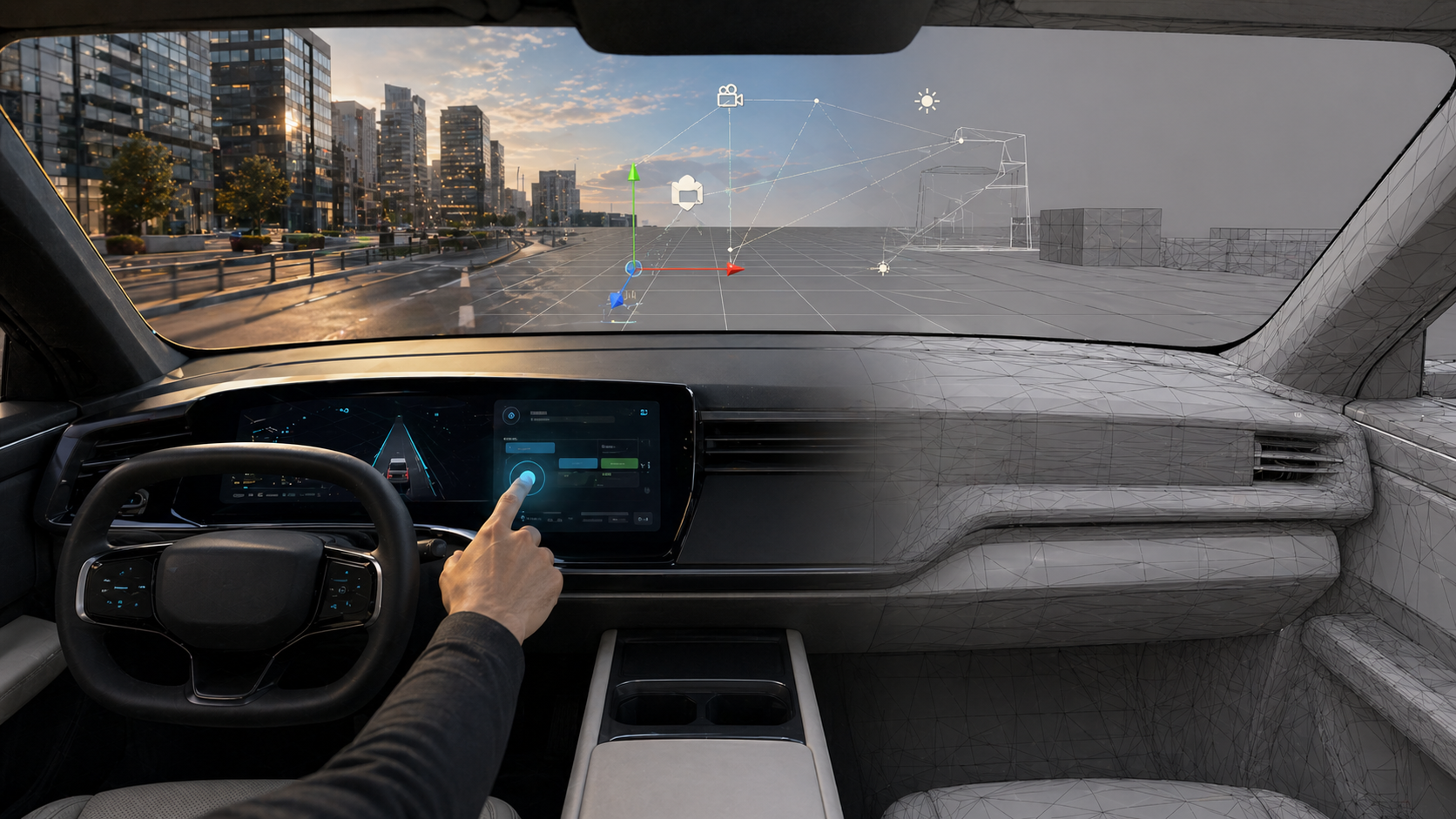
Conceptual image created for illustration only. It does not show proprietary client assets or the original project UI.
What did I do?
This was a confidential XR project for automotive R&D. The project connected a Unity simulation to hardware seat movement while showing a digital cockpit experience in XR.
I worked mainly on XR setup, shader effects, and demo tooling. The project used Varjo XR-4 and required on-site work with highly confidential data, so show any internal visuals and will avoid detailed explanations of the hardware setup.
At a safe level, I can say that the project involved a Unity-to-hardware connection, seat motion, cockpit simulation, proprietary CAD data, and interactive XR demo content.
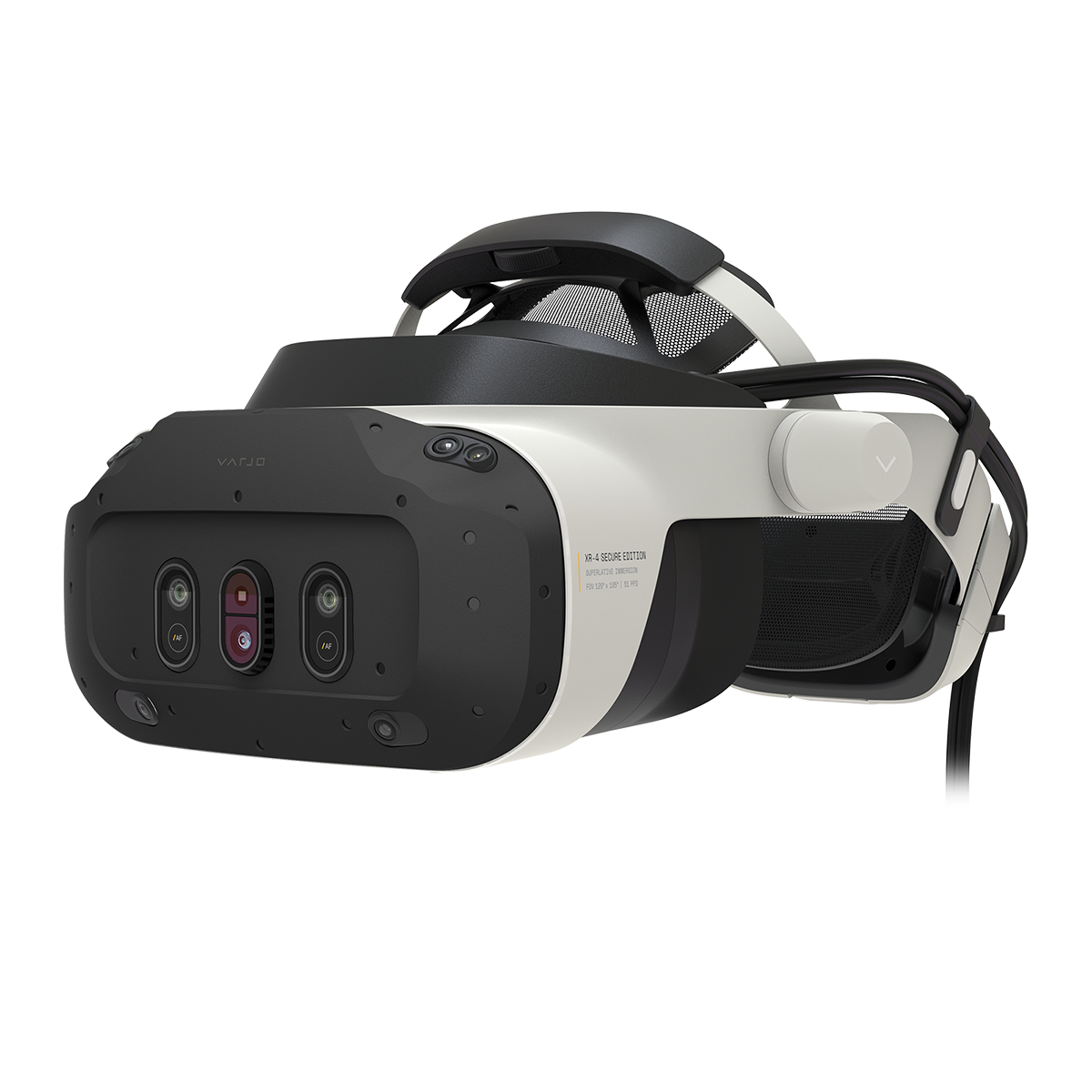
Varjo XR4 Headset
Setting up the XR foundation
I set up the Varjo XR-4 workflow with Unity and created the base scene setup. This included preparing the scene so that the team could build and test XR content in the correct hardware context.
For this type of project, the initial setup matters a lot. XR issues can come from rendering, scale, tracking, device setup, plugins, hardware assumptions, or scene structure. Having a stable base makes the rest of the work much easier.
Demo tooling for engineers
A major part of my work was creating demo example content and tools that allowed engineers to set up their own scenes.
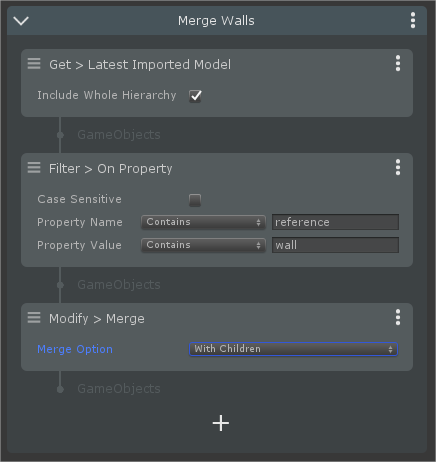
Pixyz Rulesets example
The project was not only a single fixed demo. It needed to support engineers who wanted to prepare and test their own scenarios. That meant tools had to make scene setup faster and less dependent on manual Unity work.
I created Pixyz Plugin-based tools to simplify and automate 3D data ingestion and visualization for proprietary CAD formats. The tools helped import, optimize, create prefabs, and build references where needed.
This was a practical pipeline problem: high-quality CAD data is not automatically ready for real-time XR. It needs to be processed in a way that keeps enough visual fidelity while making the scene usable in Unity.
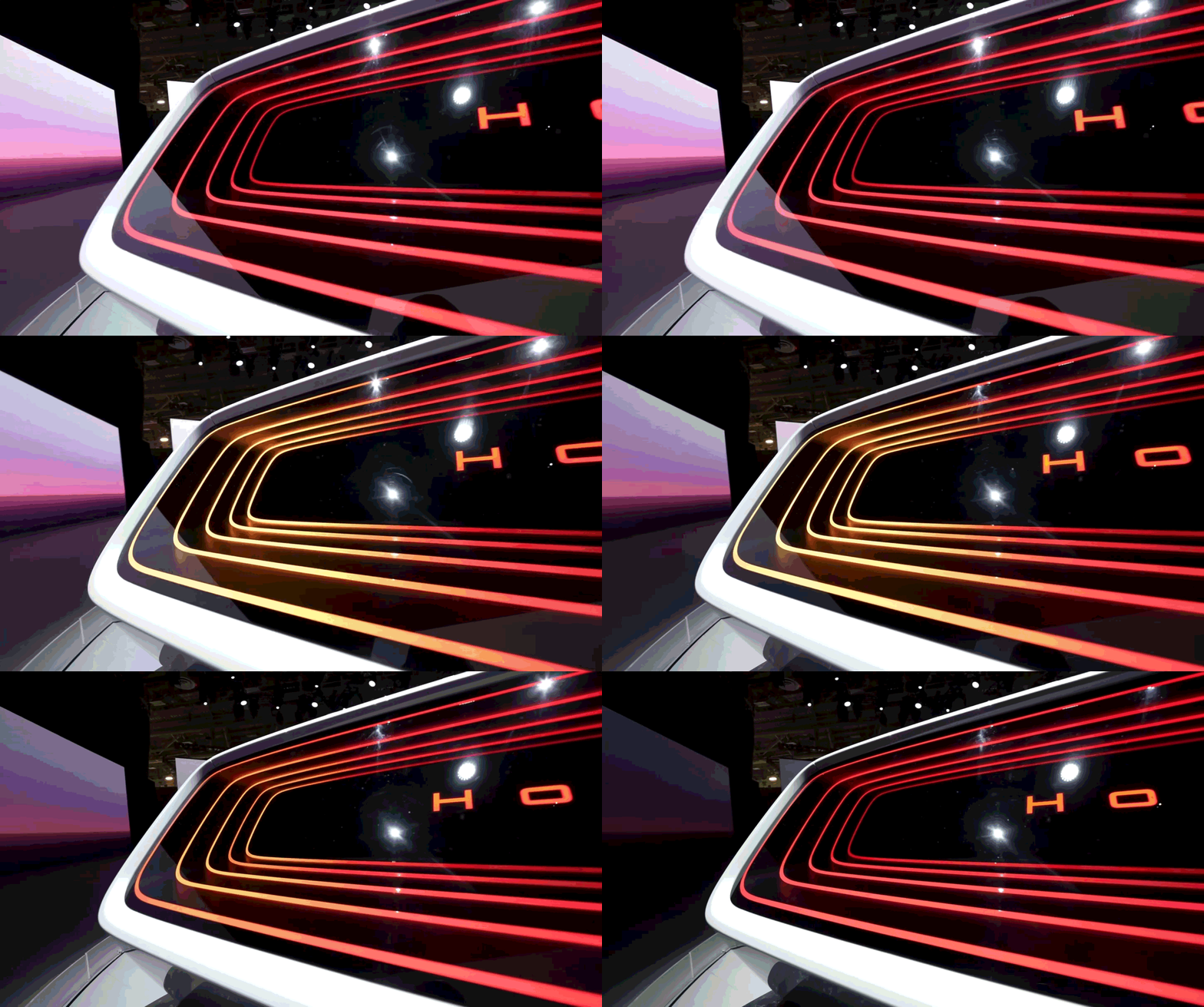
Honda Zero Infinite mirror taillight reference.
Shader effects and interactive cockpit behavior
I worked on several shader effects, including striped blackout glass fading and a parallax-style light effect. These were controllable and customizable so they could be used in demo scenarios.
I also worked on interactive demos where users could touch a screen in VR and have both the hardware and the 3D scene react at the same time. The goal was to make the digital cockpit and physical seat behavior feel connected.
This required thinking about more than visuals. The interaction had to make sense as an experience: user input, XR feedback, scene behavior, and hardware response all needed to line up.
Variant system improvements
I also implemented features for the Variant System, including Timeline track support and clip blending.
This helped connect visual or configuration variants to timeline-based presentation workflows. It made the system more useful for demos where changes needed to be sequenced, blended, or controlled over time instead of only toggled manually.
What this project shows
Varjo XR-4 setup.
Unity XR scene foundation.
Pixyz-based CAD ingestion tooling.
Demo tooling for non-Unity specialists.
Shader effects for automotive visualization.
Unity-to-hardware interaction.
On-site confidential R&D delivery.