
MOBILE HOMES
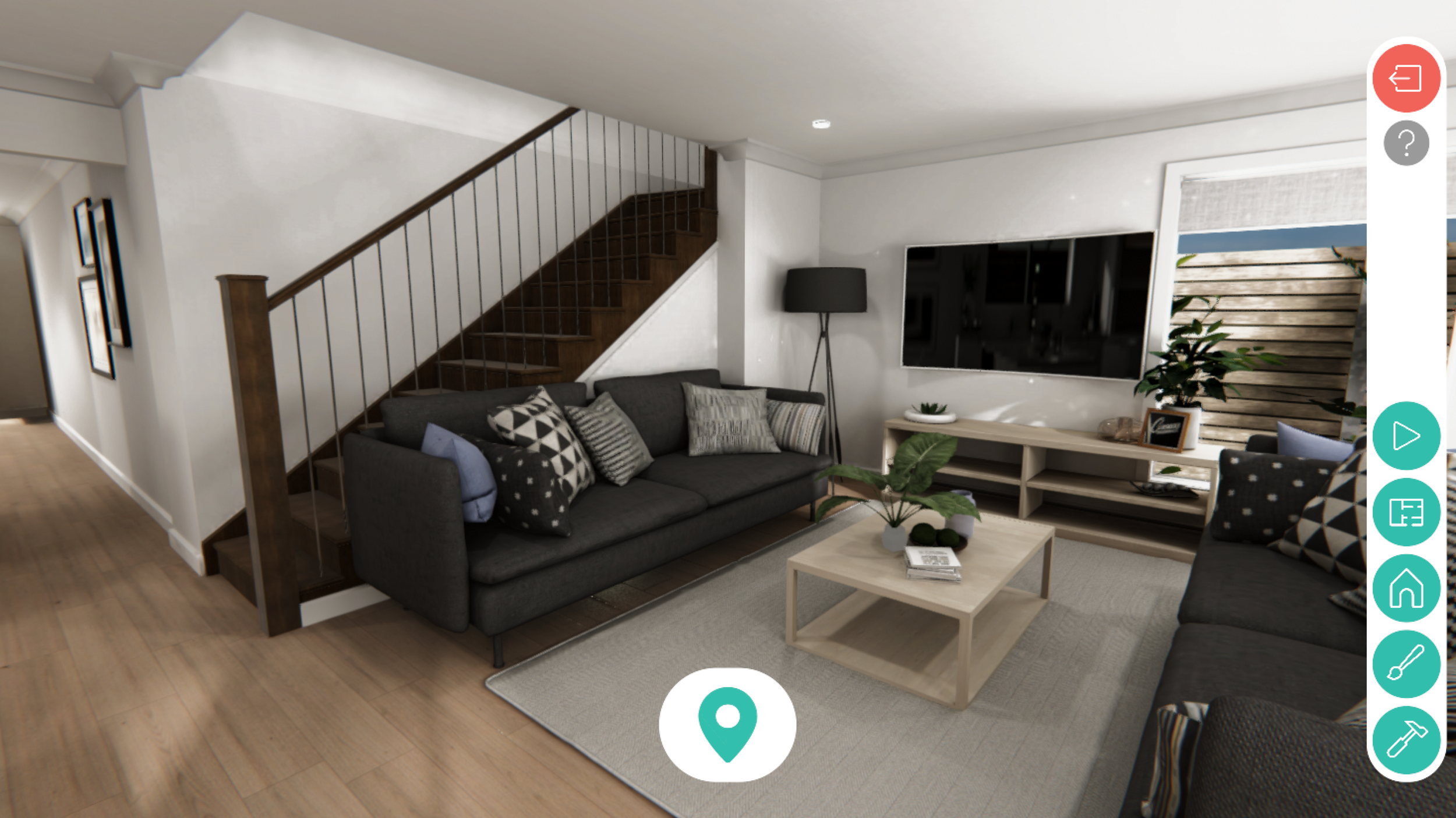
What did I do?
My role in this project is to build tools and components to enhance the user’s experience and navigation.
In this project, I’m participating as a Freelance Programmer.
Small Tasks, Big Plans
My first tasks on this project was to create a teleport system for a character using a NavMesh and a Drag & Drop UI Element to determine the position to teleport; and a map system that also teleports you to specific locations when you tap it.
Creating these separate systems could be done in a thousand ways and things could get unnecessarily complicated really fast. That's why I always plan ahead. Even if some mechanic I imagine is never getting implemented, I always plan and execute decisions that create general systems and components that can be coupled and decoupled effortlessly.
Teleport System & Map System
First, I had to take care of the main mechanic. I wanted this to be as simple as possible, so firstly, I made this a Singleton class, so I can access this whenever I need to and from any component.
I started playing with different navmesh functions and decided to use Warp() since it applied perfectly for my needs.
Now, I needed something to test it and the map system was perfect for that. I grabbed the floorplan they provided me and started building the house from cubes. In about an hour, I had a test field with a Navmesh ready. Then, I created a UI panel form my map sprite. I added some buttons on top of some rooms. I needed a reference of where I should teleport when tapping those buttons, so I created some empty gameobjects and placed them in my test rooms.
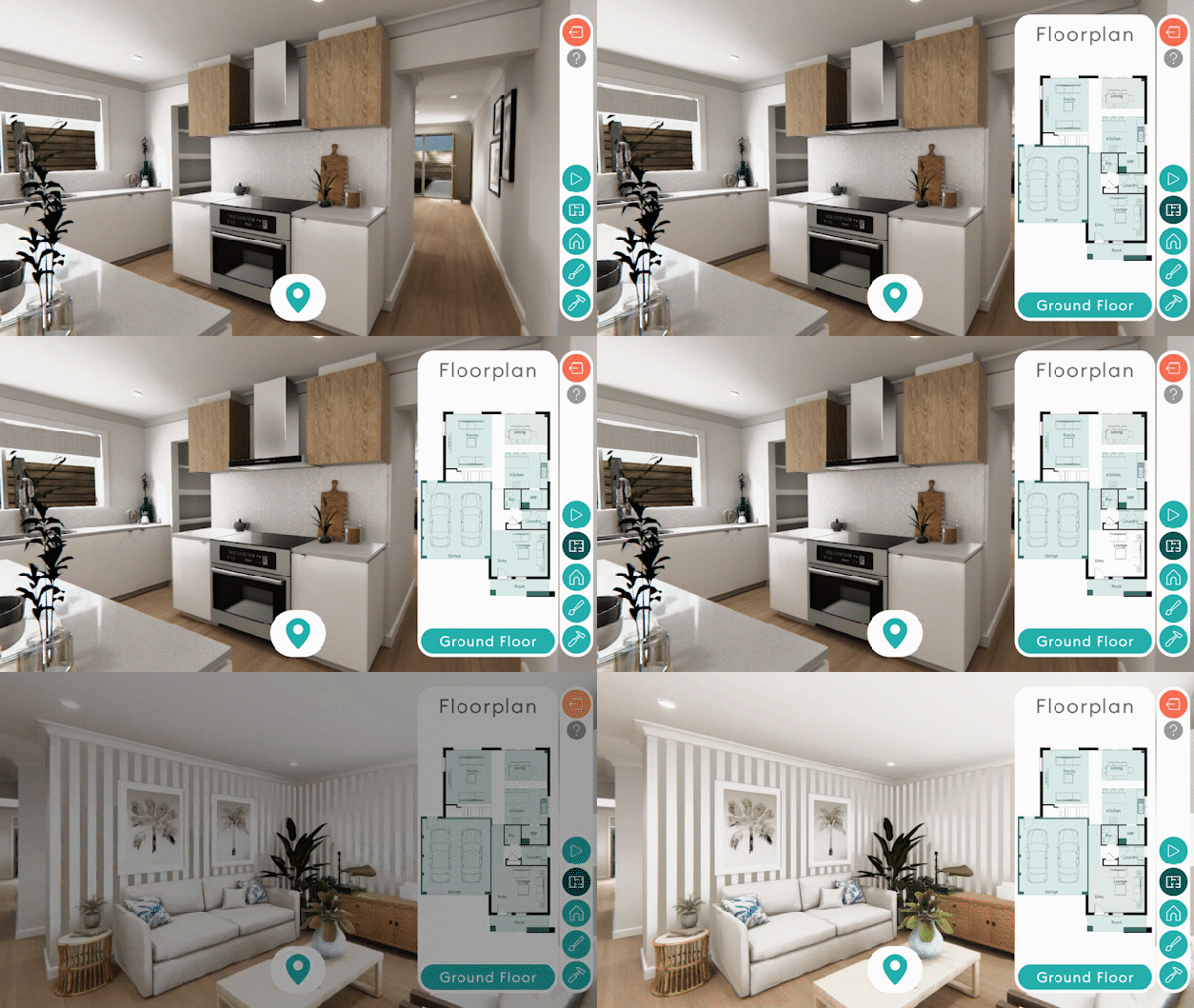
For the last part, I created a struct on my TeleportManager singleton that saves button and teleport target references. I created a serialized array from this struct and filled my references in the inspector.
On Awake, each button stores an ID, which is their index value inside the array, and when that button is tapped, it runs a function to teleport to that ID’s teleport target reference.
Drag&Drop Element & Teleport Guide
With the teleport mechanic finished, It was time to upgrade the system with a way to teleport anywhere, not just the places the map allowed you to.
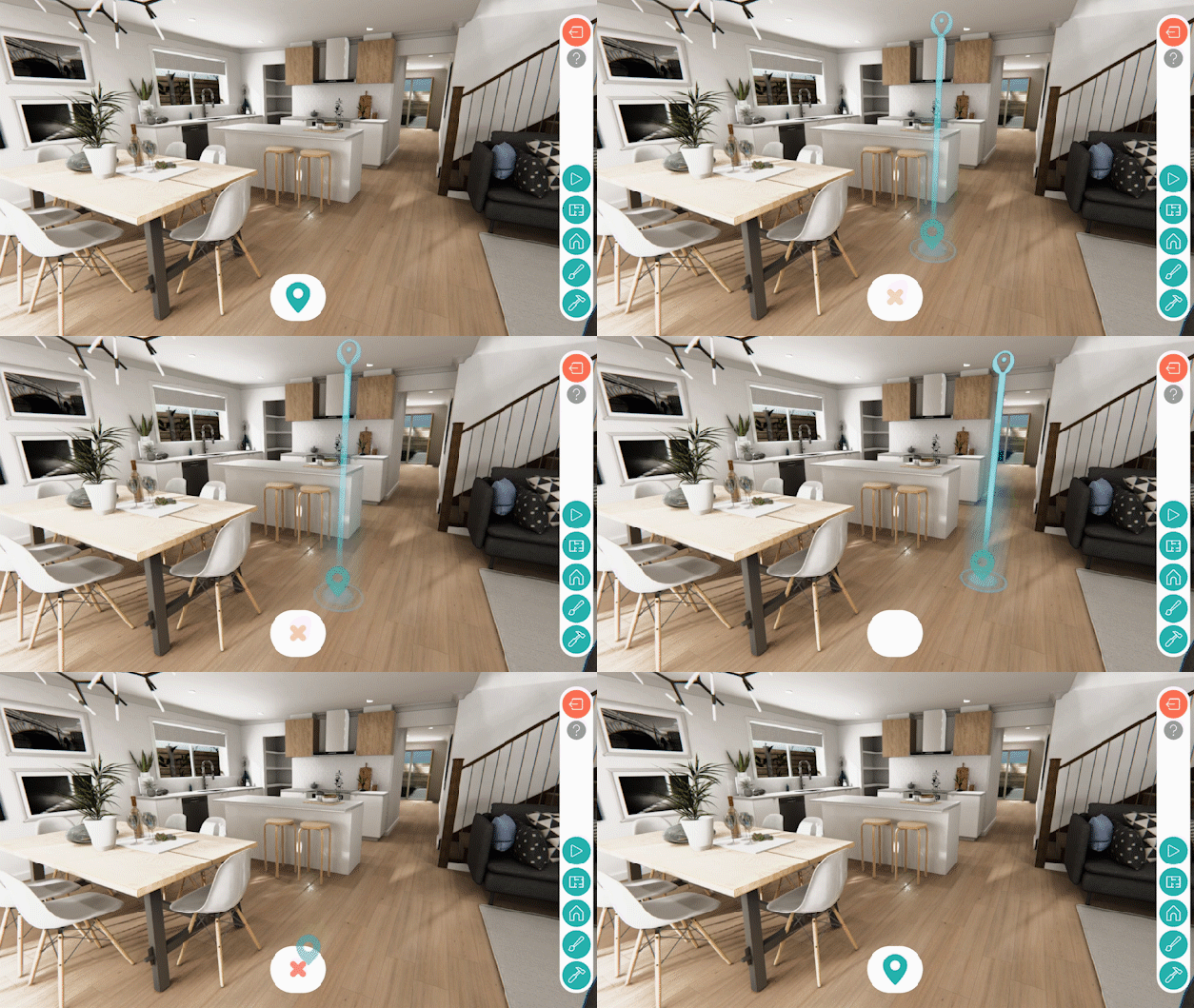
But first, I needed something that told me If I was doing things correctly. So I built a simple Teleport Agent that worked the same way as the character, but added some location graphics that resemble the one in The Room VR since I found it so helpful and it was really close to what I needed.
Then, I created a Drag&Drop System from scratch using Event Trigger Events. When you click the Icon, it starts following the mouse position screen coordinates.
When the icon is away enough from its origin, it casts a ray from screen to world position. Then, it samples a the closest valid NavMesh position to the ray’s hit and translates the teleport guide agent to it.
I also added a cancel feature were you can cancel your teleportation by dragging the icon back to its origin. The teleport agent fades out while doing this, to enhance the effect.
Teleporting & Transitions
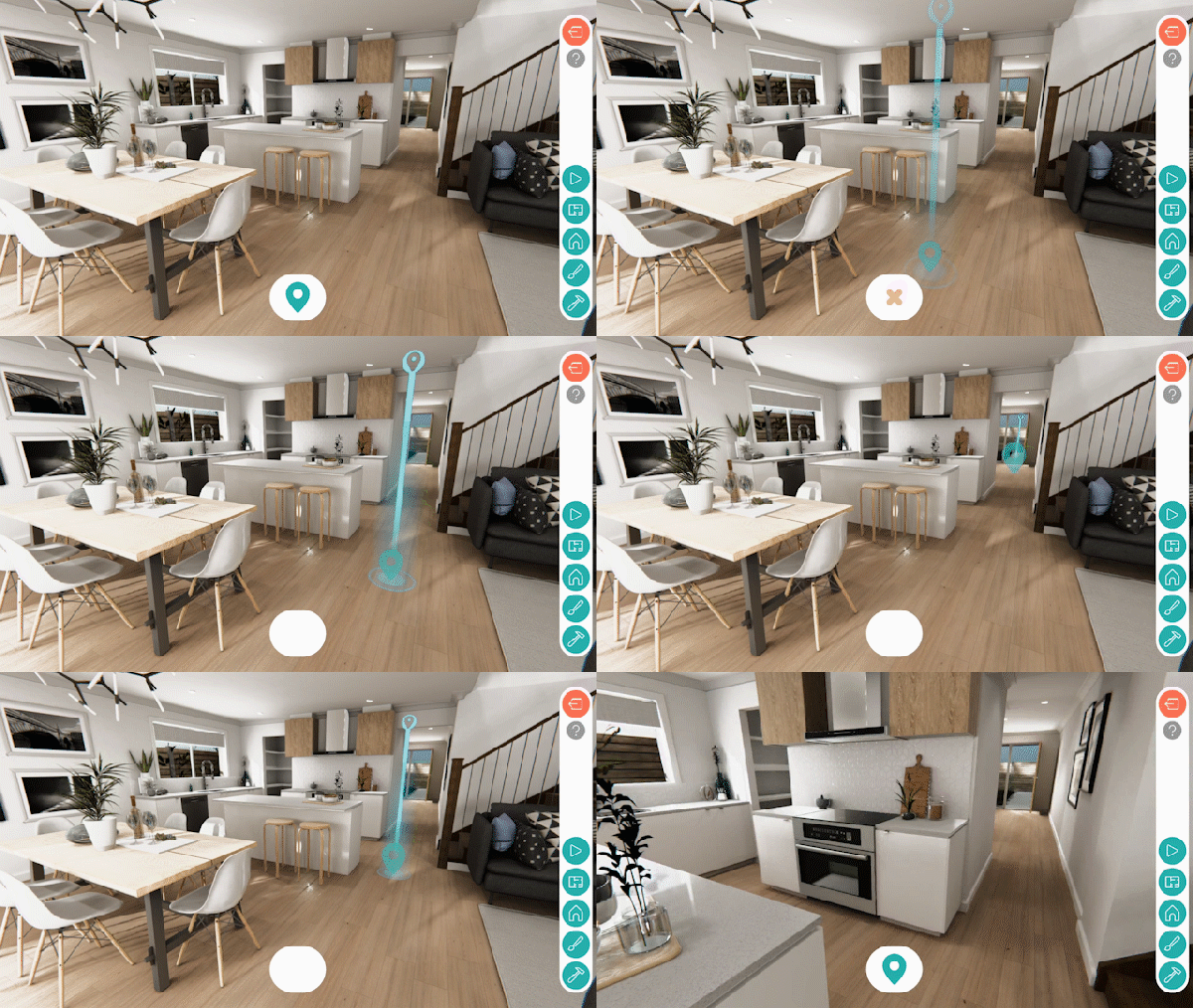
With all the elements in place, I’m just reusing bits and pieces from all the previous components I created. Setting up a teleportation to any position just ment creating an overload from my teleport function to accept any position and rotation.
But teleporting al off the sudden can be very disoritenting for a user. In order to prevent that, I created a transition UI panel and a Fade() coroutine with an optional callback and a boolean to dictate fade in or out.
With that, I run my fade in coroutine and add my teleport function as a callback. After teleporting, I call my fade out coroutine.
What Next?
After finishing this task, I also got to do several others like:
Implementing their camera system into the teleport system.
A Customization System for Upgrades, Facades and Structures.
A Tutorial System.
Implementing the new UI system and animations (GIFs have the new UI).
A Dynamic Resolution Scaler.
A Material Switcher for URP materials.