
IT: Carnival
What did I do?
I work in this project as a Technical Artists / Animation Programmer.
Fluid Simulations & Wetmaps
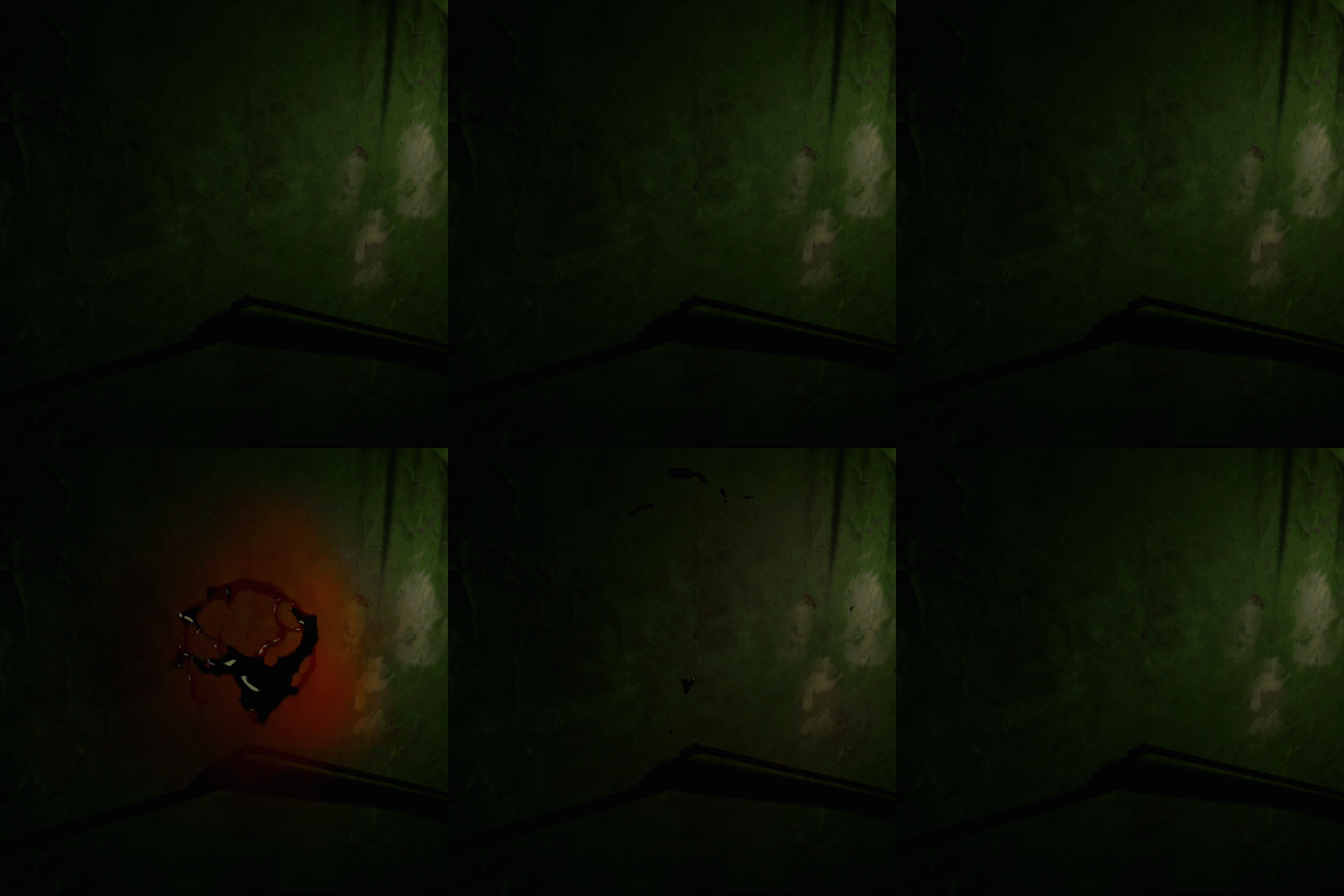
Blood Explosion
We needed some blood FXs and I wanted to learn some Houdini, so I decided to try simulating some fluids and see how those could be imported to Unity.
First, I started with something fairly simple. A blood explosion effect. No collisions or any kind of reaction. We needed this for a section on our project and it was simple enough for an introduction to Houdini.
Houdini was fun to learn and it was very interesting to follow tutorials and learn pfrom GDC talks. I decided I was going to use VATs (Vertex Animation Textures) to import my fluid simulation into Unity, but all the information related to that topic was build on UE4. My first task was to translate the shaders and build everything I needed to import and play my VAT.
The most complex part of this task was definitely figuring out how to translate, scale and rotate the object. Most sections of the UE4 shader more or less work on unity, but there are some tricks regarding the normal orientation and how the vertices have to be transformed that are not as intuitive. This is one of the reasons I had to manage my VATs spawning with an Object Pooler instead of a Particle System.

Blood Fountain
After learning the basics with my Blood Explosion, It was time to face the bigger challenge. A big blood effect we need for a very important scene. We needed the effect to look as realistic as possible, so I went on with my new fluid simulation knowledge and started doing a bigger and more complex version of my blood explosion.
It wasn’t going to be that easy. This effect was going to be in a much bigger scale, meaning VATs were going to be really hard to run and optimize. I had a very small triangle budget and my texture was getting so big, I started having problems with creating them in Houdini. I decided to export an Alembic file and manage it through a Timeline. We still had to process our final mesh a lot to reduce unwanted triangles and our triangle count as much as possible, but since the alembic file is not reading any texture file from a shader, it gave us a bit more room.
Wetmap
With this, we had a blood fountain, but something was missing. We had a lot of blood going through our mesh and that made the effect look bad. I decided to experiment on creating collisions from our body and then, the idea to use those collisions to create wetmaps came to me.
After a lot of crashes, trial and error, I came up with a mix of two techniques I saw in some conferences from Sea of Thieves and Mortal Kombat X.
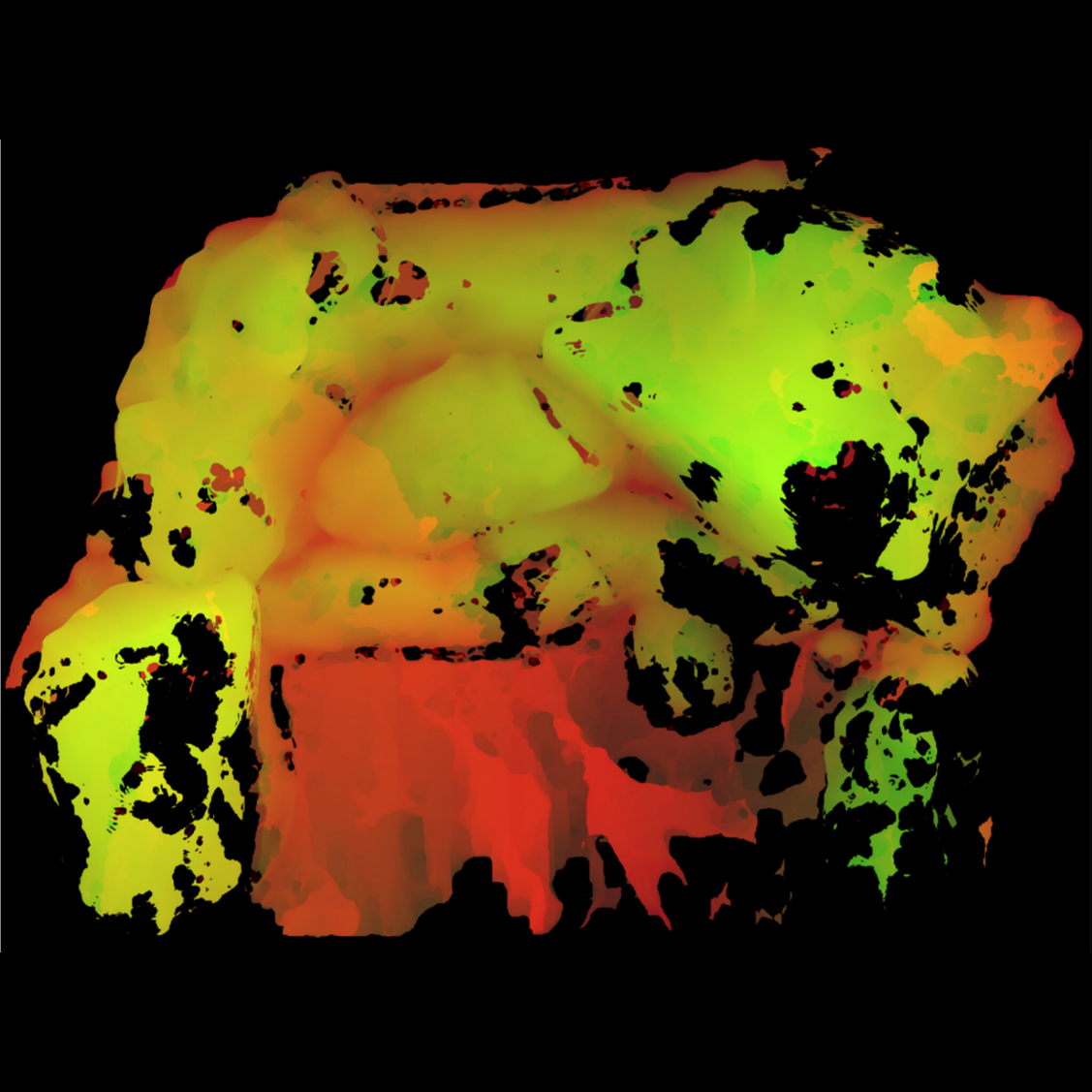
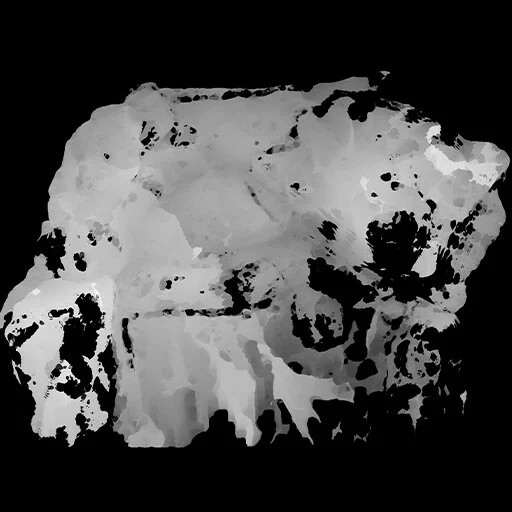
I mapped the collision points of my fluid simulation and stored persistently every point being touched by a fluid. With this information stored frame by frame, I iterate it through a function that paints each frame as FrameAmount / 1.0 and adds to the red channel.
Then, I mask my blood material with a smooth step function connected to opacity.
RG
=
R
=
Step(R, time)

Inverse Kinematics & Motion Matching
Aside from Shaders and Materials, I was asked to implement a better walking system, along with a flashlight holding and hand switching system.
MxM
After some research, I decided to implement an asset from the Asset Store called MxM Motion Matching for Unity. This system allows you to create reactive and complex animations by predicting the next animation pose needed for a specific input. My task was to translate our VR HMD input into motion matching input to create a realistic walking system.
Flashligh Holding System
The project already had an IK solution working. Our flashlight is controlled by the user’s controller and my job was to adapt the system to make it hold a flashlight naturally. One of my implementations on top of our IK solution was to switch hands if the hand or the arm started to do an unnatural movement, trying to fake natural movement even if wasn’t happening IRL.
The contents presented above are property of TYFFON INC.
Copyright © 2011-2020 Tyffon Inc. All rights reserved.