
TYFFONIUM CAFE AR
What did I do?
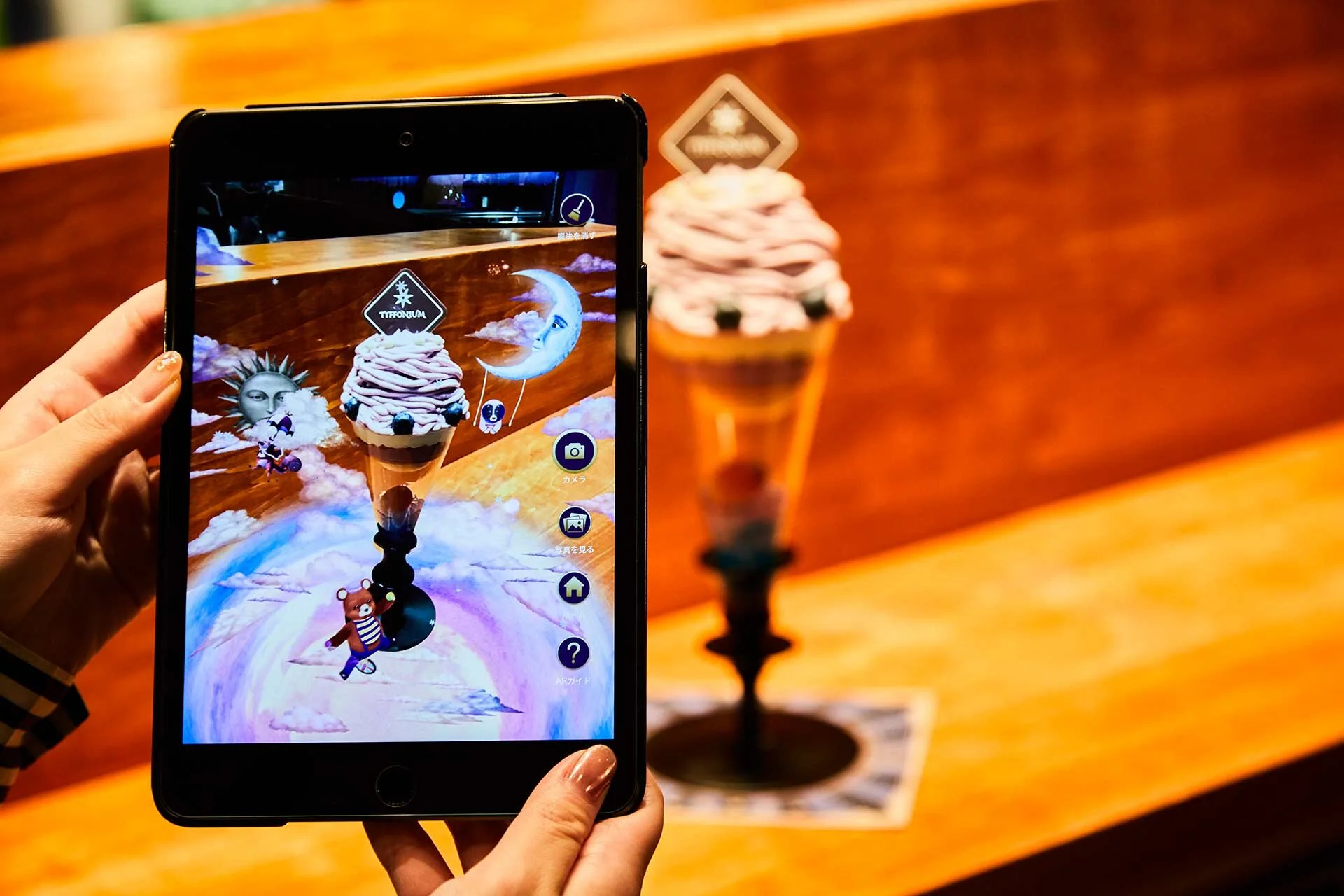
At first, I was added to this project as a Technical Artist. I had to build VFXs, particles, scenes, etcetera from concept art into Unity, for AR content that would run on an iPad Mini.
Technical Art
I have done a lot of FXs for this project. It would be hard to explain all of them, so I’m going to dive into my favorite ones:
Water Scene
When I was looking at the concept art for this effect, I immediately thought it was going to be a long process of adaptability, so I decided to build the shader in a way it would adapt to any circumstance.
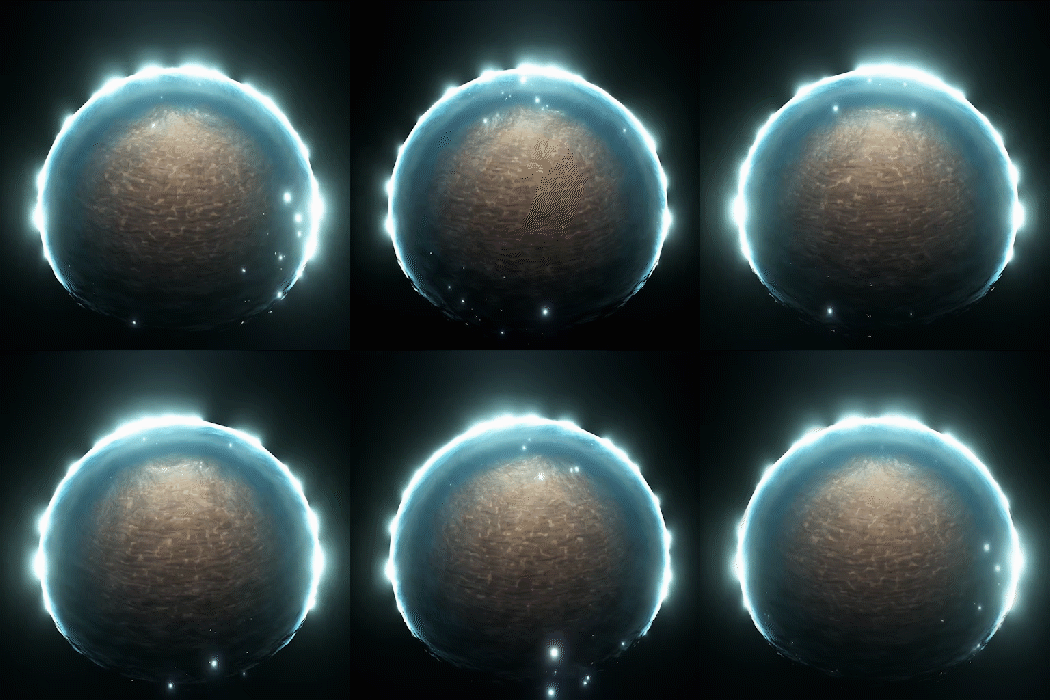
In the end, the hole set up consists in 2 main spheres. The sand sphere and the water sphere.
The water sphere is doing UV refraction of whatever is behind it, through a Grab Pass. Color, translucency and foam lines are being calculated using the depth map. In order to make it feel a bit more magical, I added some emissive sparkles using Noise texture and an emissive rim and color using a fresnel function.
Caustics are being rendered from the sand sphere by scrolling a caustic texture in several directions. To make the caustic feel like they are being projected, I{m also adding Parallax Mapping to the UVs. It creates a really nice effect with the AR camera. Since this content is made for AR and the user can look at the object from different perspectives, I use triplanar mapping to hide any UV problems within our sphere.
Portal
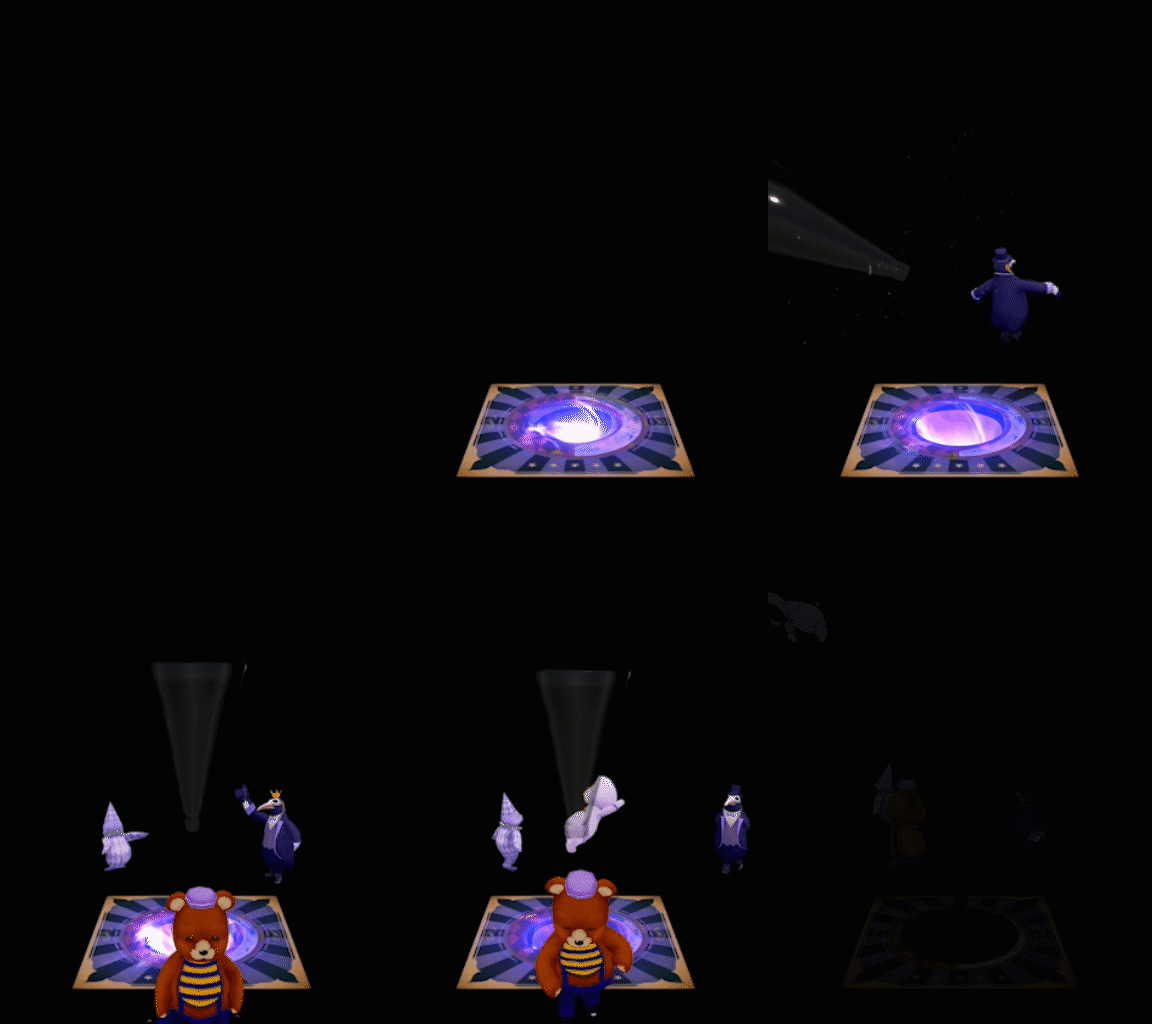
This portal was my first task in this project. They wanted me to make an effect that looked like the actual coaster and table were morphing and bending. Then a portal would open and a parfait glass would appear.
This shader is divided in 2 big sections. The wave vertex offset and the portal effect.
For the wave vertex offset, I created a circular Gerstner wave function that gave me the basic waves at the beginning. Then I mask those with some exponential radial masks and a lot of 1 - x functions to create the big spike and the hole at the end. All these states are controlled by shader parameters and are being animated throug the animator.
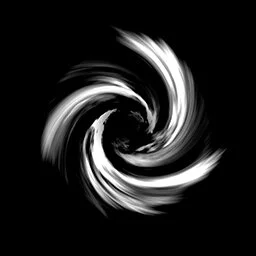
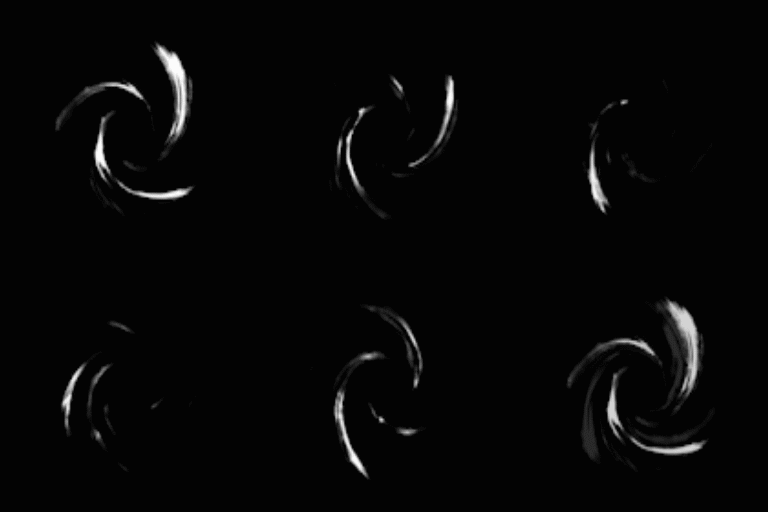
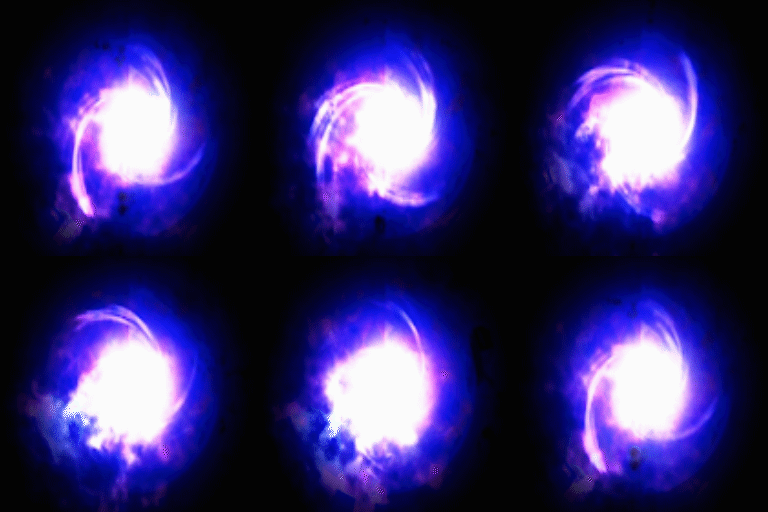
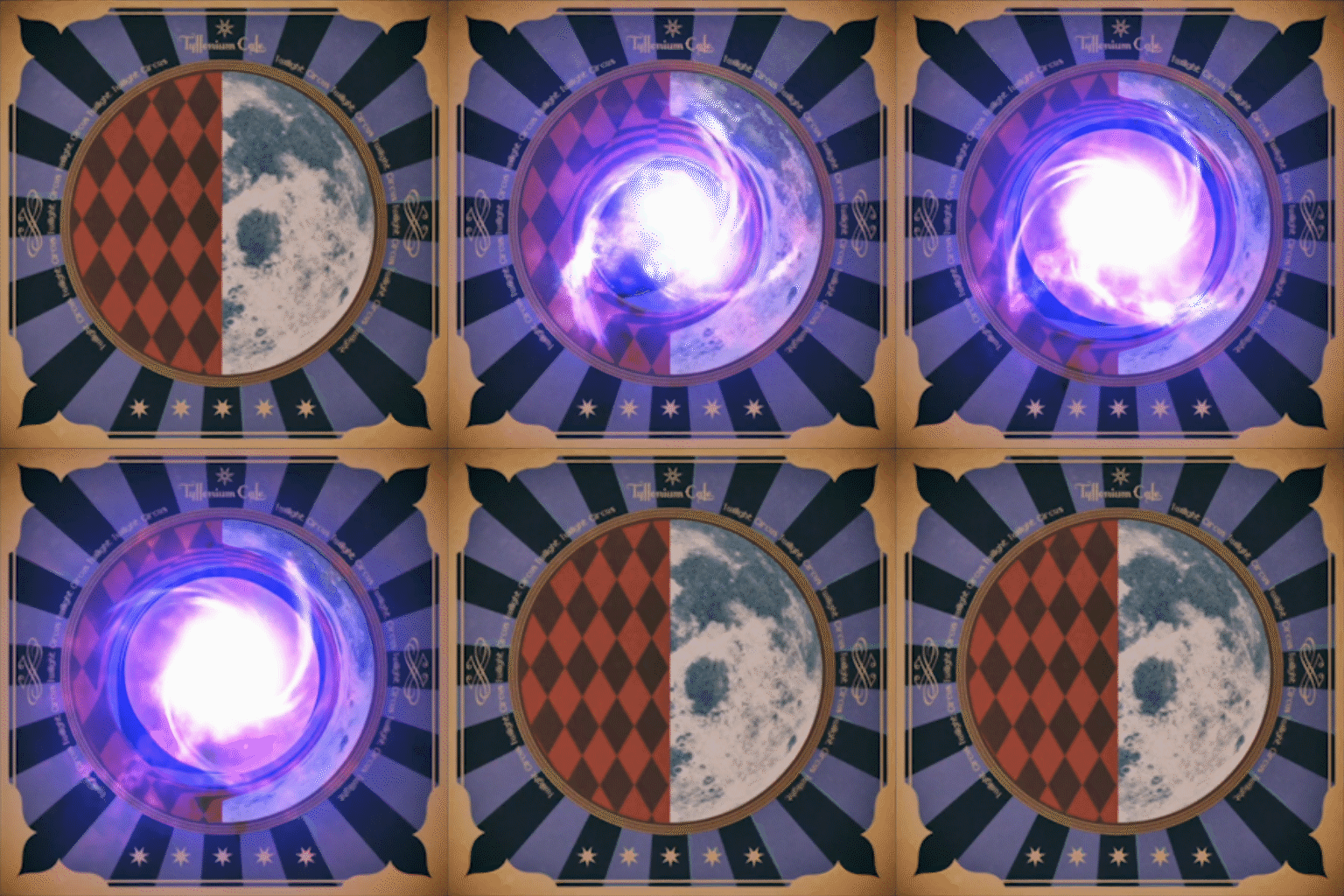
The portal might look like a simple effect, but to make it look dynamic and “magical“, I created a Portal texture that I UV rotate at different speeds and directions. I multiply and blend them with a noise texture get a dynamic Helix effect.
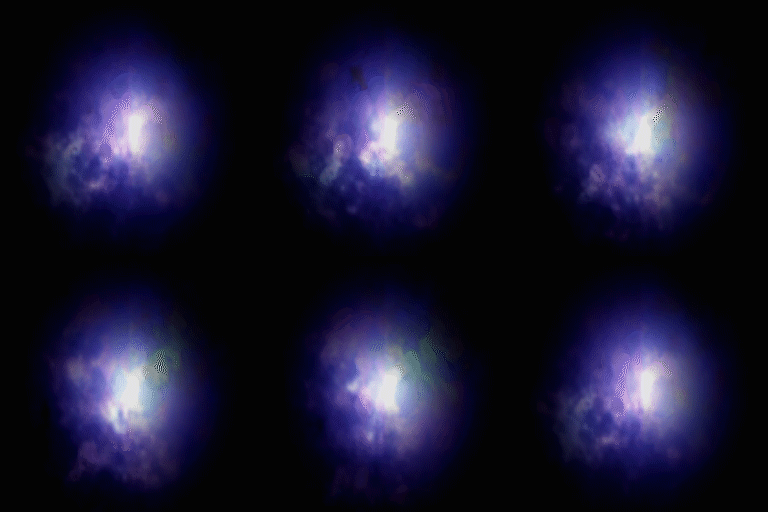
Then I create a background for my portal using that noise texture and adding a bit of color. Also, I add the color of my render target to start blending my portal.
The next step is to blend my background and my portal together and adding some color and emissivity.
The final step is to blend everything with the render target to get the final image. This portal is opened and closed using a the timeline, by modifying shader parameters. Intensity, color and several other parameters can be adjusted as well.
Magic Parfaits
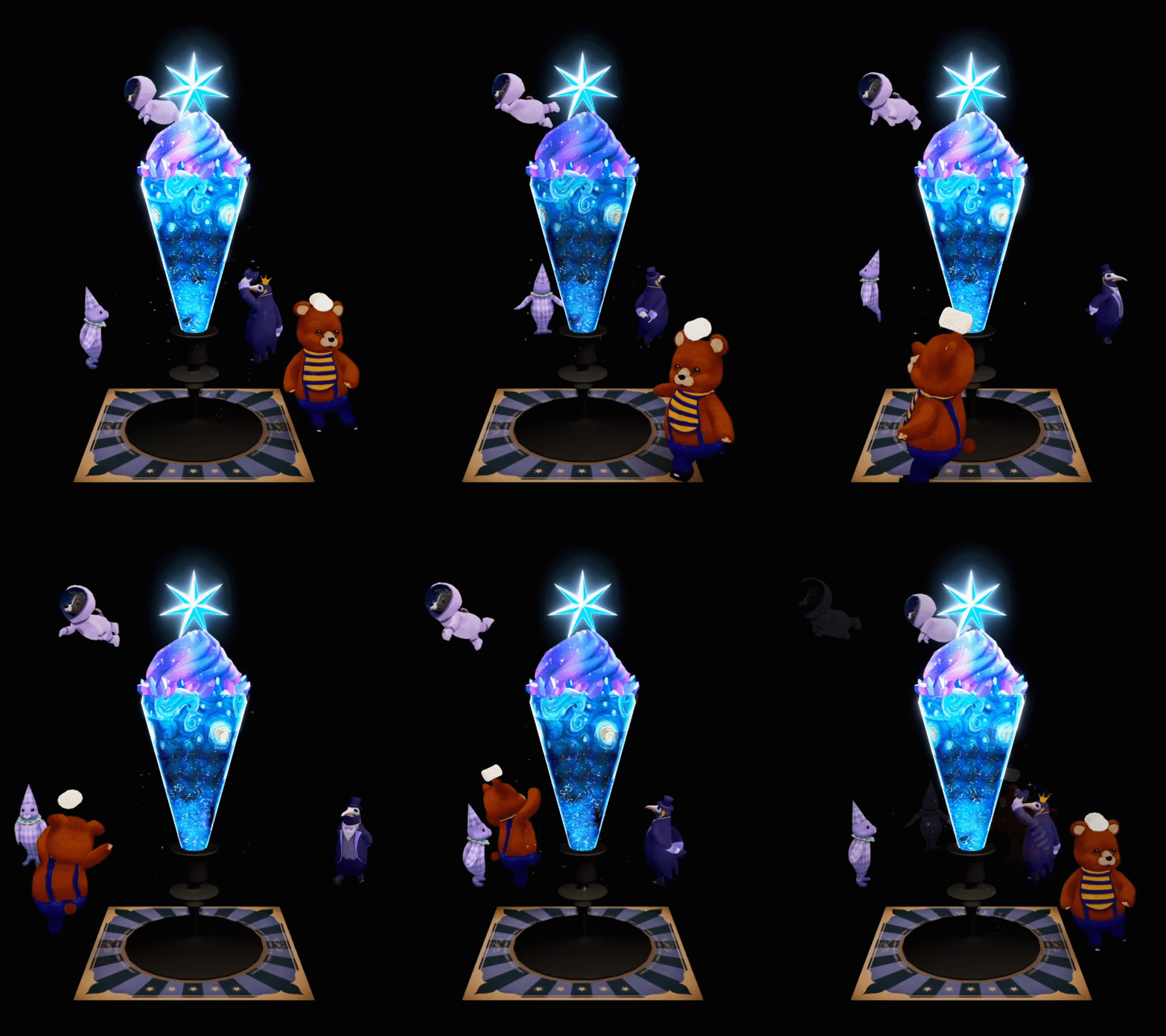
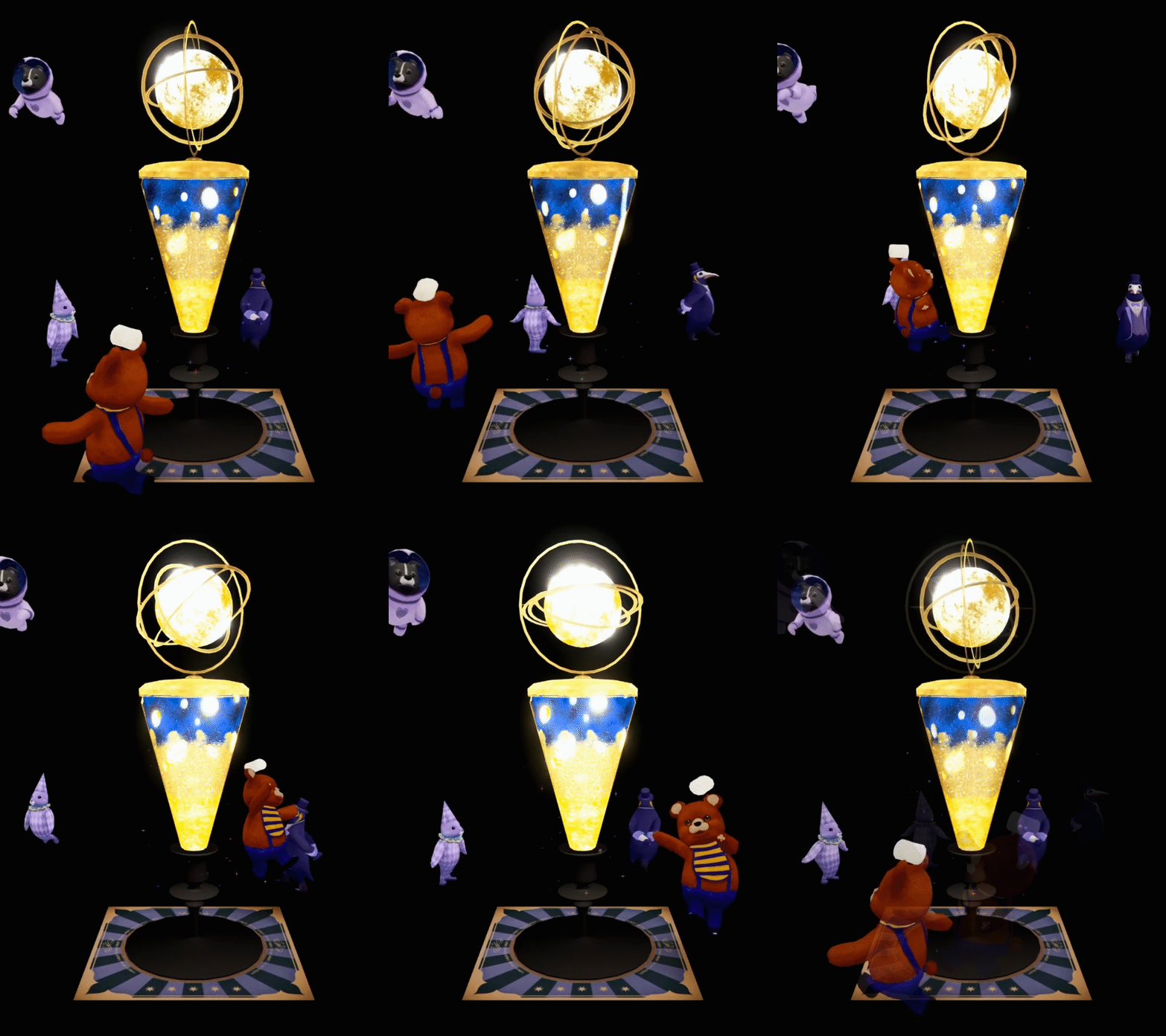
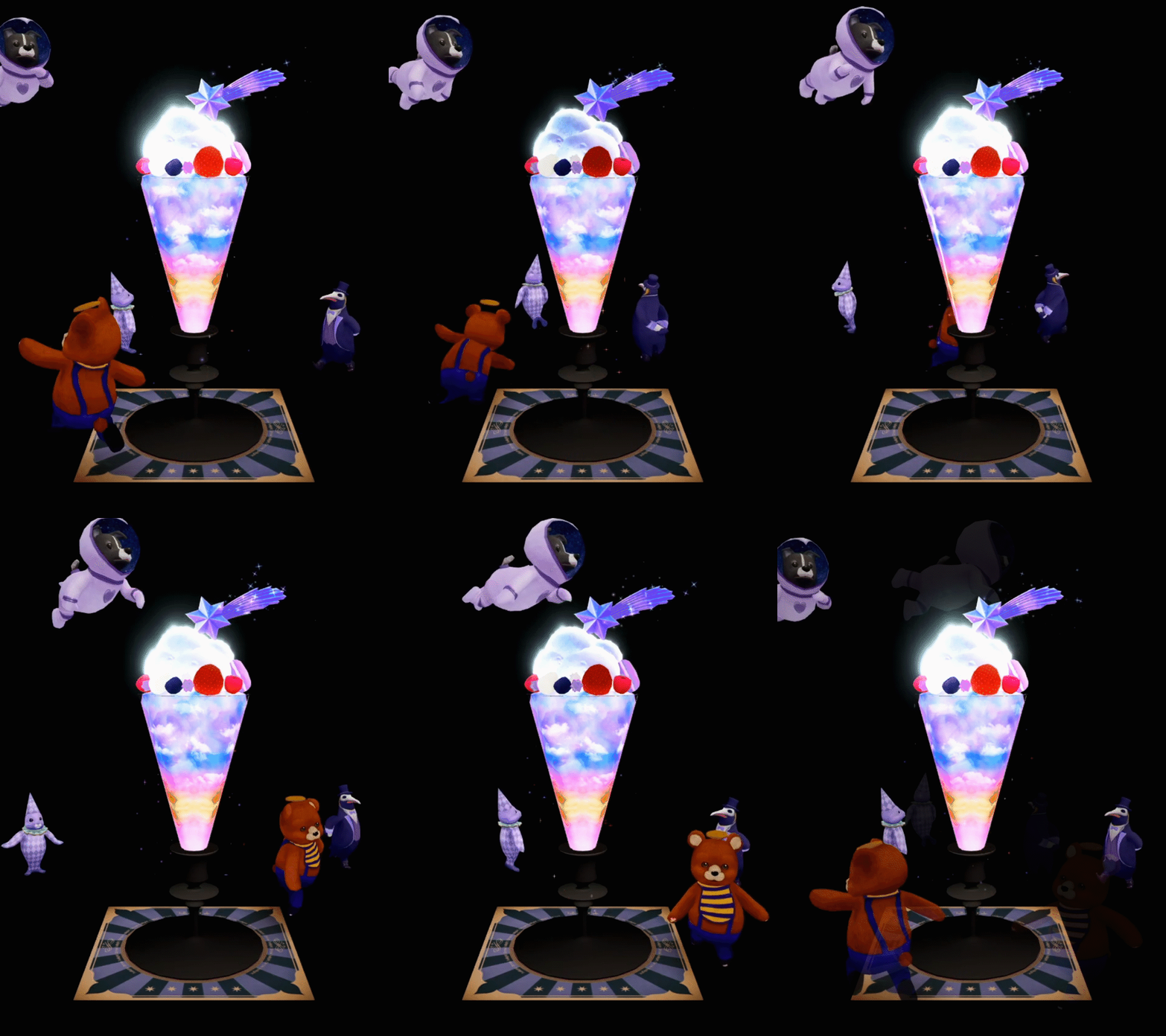
For this effect, we wanted a shader that could translate in several different materials for faster seasonal content creation.
The following parfaits are using the same shader but are being blended and animated in their own materials. Because we tend to change meshes for different parfaits, specially the top section, I made this shader to work with a combination of vertex position height masks and camera world position projection. This way, The user will get a “Magic parfait“ with nice blending and we don’t need to worry about complicated UVs.
With these types of shaders and materials, we can iterate content a lot faster than building separate shaders for each. It also helps us by being able to update and even add new content with AAS (Adressable Asset System) without rebuilding and publishing the app.
From Technical Art to Programmer
At first, I started just doing Technical Art and some implementation of my FXs, but after a few months, I was told I was becoming the main programmer of the project.
They needed me to implement new contents from scratch, following guidelines left by the previous lead programmer. Also, I needed to familiarize with the Microsoft Azure system since we use it to manage our devices. I learned how AAS and AWS worked together and how we use it to publish and update content.
From there, I decided I would create some tools to test content mush faster using AAS to our advantage, not only for publishing content, but to test and debug in our devices without rebuilding the app, as it was done before.
Another task that came with the job was to optimize and debug our Photo Album Scene. I needed to figure out why our app was feeling laggy when scrolling and fix it.
After debugging and familiarizing with the code, I found that we were loading photos synchronously when the object became visible in our camera, meaning that everytime we tried to scroll, our scene would get a lag spike for a few frames when loading a photo. This, when fast scrolling through lots of photos translated into a unresponsive scene.
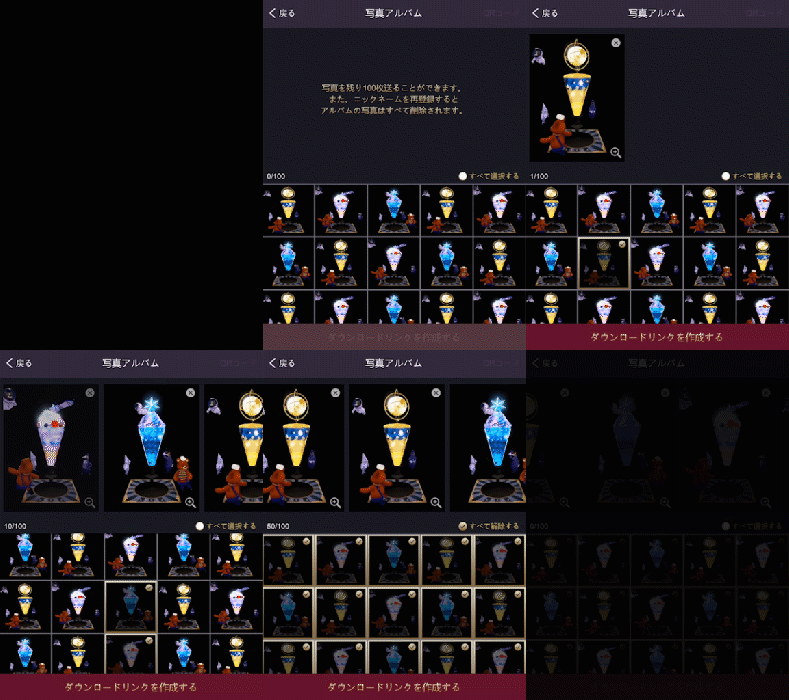
Knowing this, I started preloading all out photos at the start of our scene and instantiating all our buttons. this worked well, but we hit a wall when trying to load our 100+ photo mark. The app crashed everytime we tested a lot of photos.
Our bug was that we were loading photos iteratively, which allocated all the photos in the Stack and if we tried to load a bunch, we ran out of memory and our app crashed.
My fix was to load asynchronously, so we could set a loading screen, and every call to load an image would be a coroutine of its own. This way, our function would allocate to Stack but it would free it after finishing that routine. It greatly increases our scene load time, but we can load a lot of photos and we have a very responsive and lag spike free Album Scene after loading everything.
The contents presented above are property of TYFFON INC.
Copyright © 2011-2020 Tyffon Inc. All rights reserved.