
Bridgestone VR Project
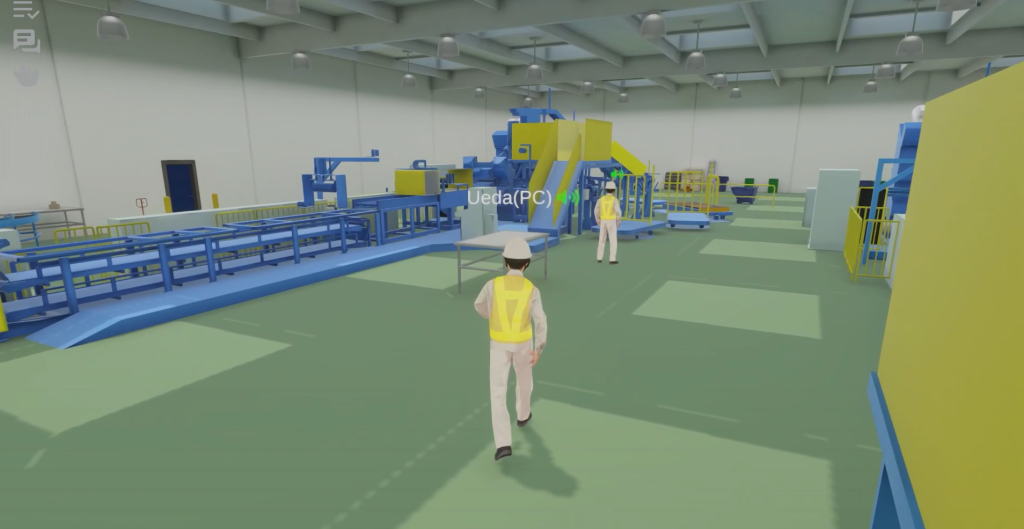
What did I do?
This was a cross-platform Unity project for desktop, Quest, and PC VR. I worked on interaction, navigation, communication features, UI, VR usability, and networked interaction testing.
The project was not only a VR experience. It needed to work across multiple platforms, which meant the same core experience had to feel usable with different input methods, different devices, and different user expectations.
My work included raycast interactions and navigation for the desktop 2D version, Vivox voice and text chat, a chat window and utility icons, contribution to the UI redesign, a digital keyboard for VR users, and quality-of-life improvements for VR interaction.
Cross-platform interaction design
One of the challenges in cross-platform Unity projects is that “interaction” does not mean the same thing on every device.
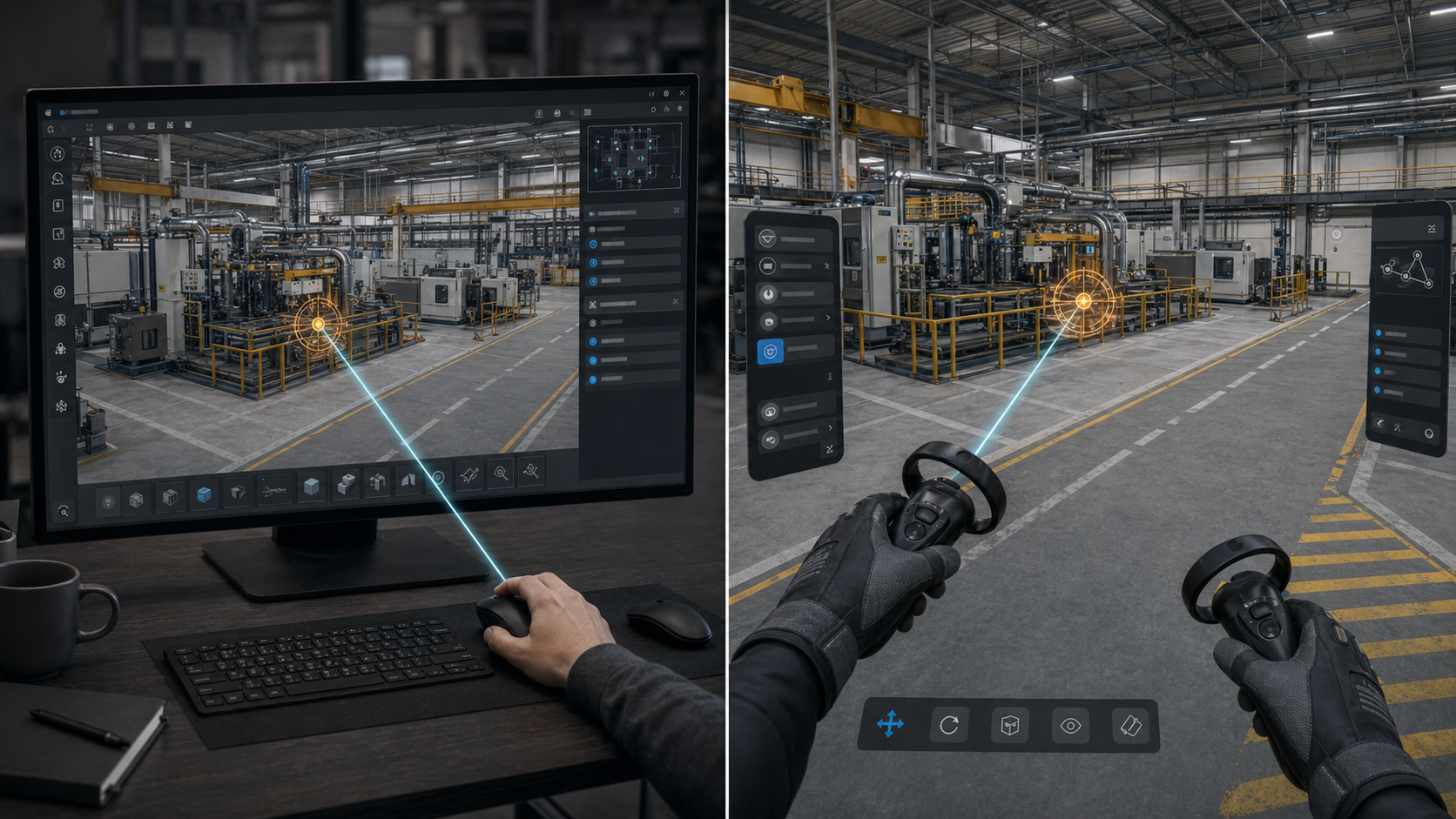
Conceptual image created for illustration only. It does not show proprietary client assets or the original project UI.
On desktop, users expect mouse-driven navigation, raycast selection, and UI interaction. In VR, they expect direct spatial interaction, controller input, head movement, and comfort-focused behavior. The project needed to support both without feeling like one version was just a rough port of the other.
I worked on the main raycast interactions and navigation features for the desktop version. This helped make the experience usable outside VR while keeping it connected to the same broader project.
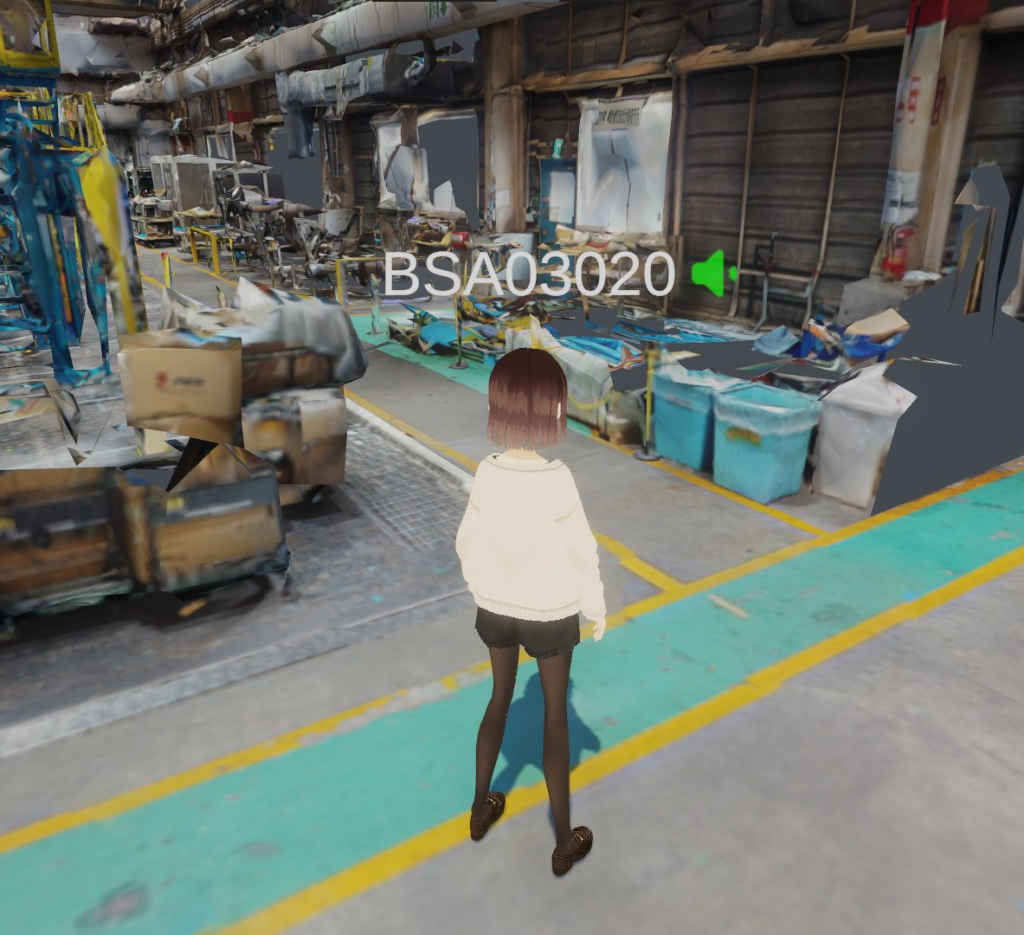
Avatar of user with Voice-chat enabled.
Communication features with Vivox
I implemented voice and text chat using Vivox. This included the chat window and utility icons needed to expose the communication features in the UI.
Communication features are often underestimated in shared 3D experiences. The technical implementation matters, but the user-facing part matters too. Users need to understand who is speaking, where to type, how to send messages, and how the communication tools fit into the rest of the experience without taking over the screen.
VR keyboard and quality-of-life features
For VR users, I implemented a digital keyboard and added quality-of-life features such as smart head-rotation follow behavior. The goal was to make UI usage feel closer to what users already expect from standalone VR devices like Quest.
These details are small individually, but they affect comfort and usability. In VR, a slightly awkward UI can become tiring very quickly.
UI redesign contribution and networking
I contributed to the UI redesign for cross-platform usage across desktop and VR. I also helped implement and test networked interactions using Photon.
The networking work was important because shared VR projects need more than local interaction. Users expect actions to be reflected correctly across sessions, and these interactions need to be tested from more than one device and more than one platform.
What this project shows
This project shows cross-platform XR thinking. It connects Unity UI, desktop interaction, VR interaction, Vivox communication, Photon networking, and usability improvements into one project.
Public references
Unity Japan project page: https://unity3d.jp/industry/bridgestone-vr-app/