
Obayashi CPS
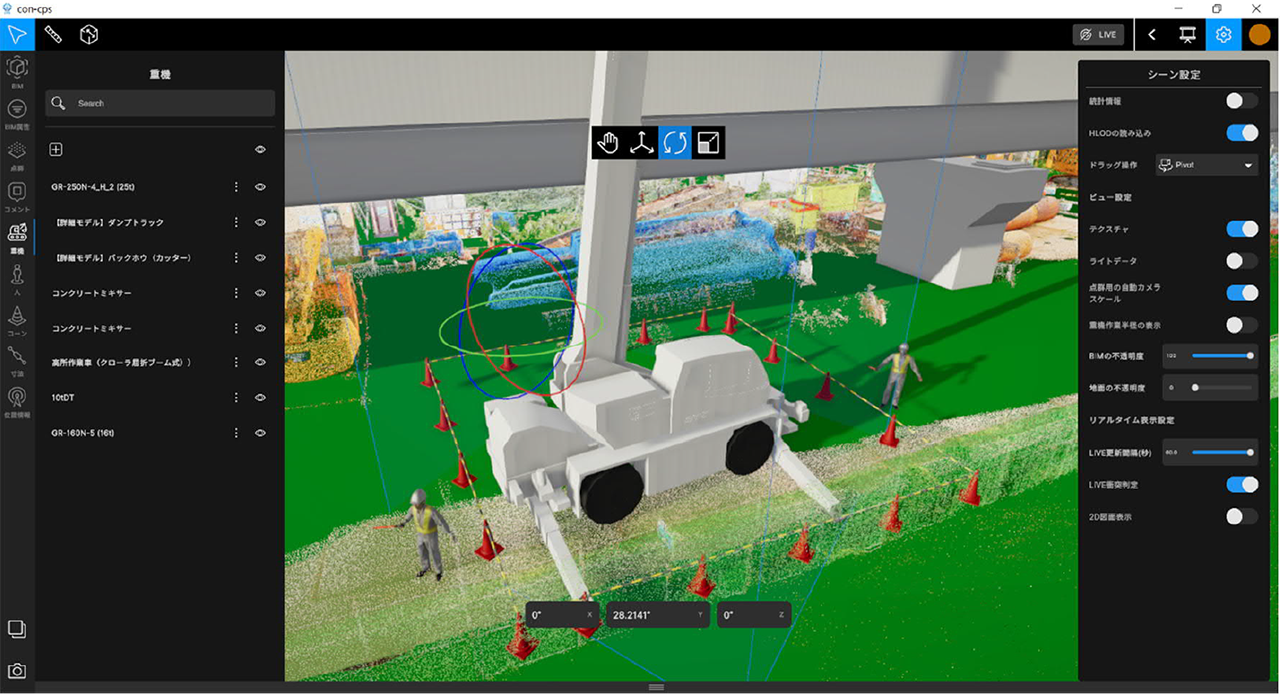
What did I do?
Obayashi CPS was a Windows desktop project focused on construction visualization. The project used Unity to help visualize construction-site information, including 3D data and point-cloud-related workflows.
My work happened across different phases. In the first phase, I worked together with a vendor to fix bugs and improve the quality of the delivered product. In the second phase, I implemented new features and worked on UI and UX improvements.
The main value of my work was stability, user experience, and construction visualization features.
Improving the experience of an existing tool
This was not a project where I started from a blank scene. A large part of the work was understanding an existing application, finding the parts that were breaking the user experience, and fixing them without introducing more instability.
Some of the bugs were the kind that make a tool feel unreliable even if the core idea is good: incorrect gizmo rotations, click behavior that did not match user expectations, selection issues, and other small problems that interrupted normal work.
Fixing these issues mattered because this type of application depends heavily on trust. If users cannot select, measure, move, or inspect things reliably, they stop trusting the tool.
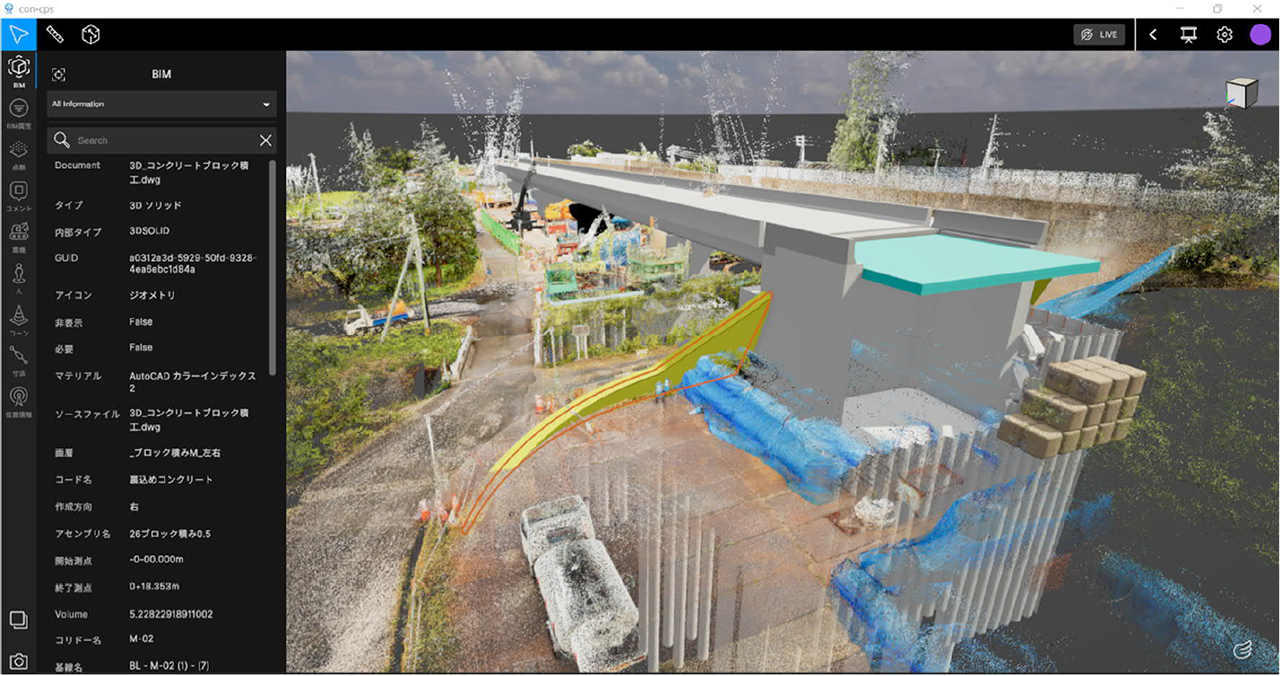
Selecting a BIM part.
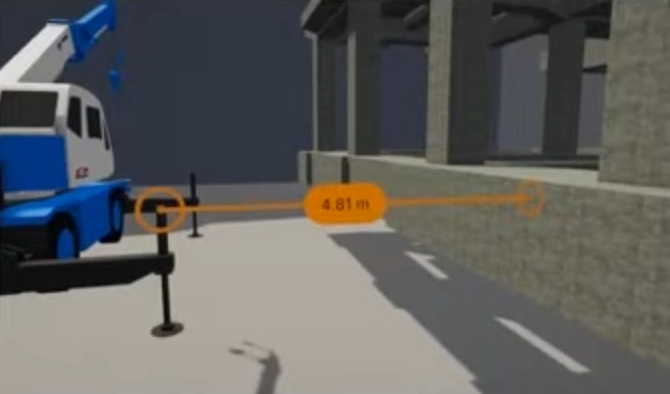
Measurements and scene tools
In the second phase, I implemented procedurally instantiated traffic cones based on click-to-click distance and improved on a previously implemended measurment tool.
The measurement work was meant to make the scene more useful as a construction visualization tool, not only a viewer.
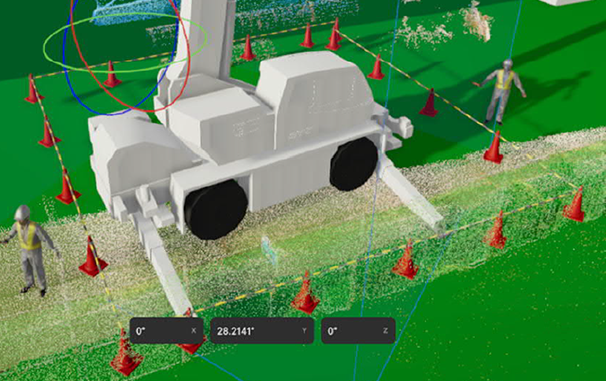
The cone generation feature was a practical example of turning simple user input into scene content. The user could define distance or placement through clicks, and the system would generate the objects procedurally.
I also worked on point cloud visualization fixes inside the Unity Editor. Since point clouds are part of the public explanation of the project, I think this is safe to mention at a high level. I would still avoid going into internal data details or client-specific workflows.
UI redesign and hierarchy features
I worked on the first UI redesign implementation and hierarchy features. I also implemented right-side panel features that helped organize tools and information in the application.
This kind of work sits between UI programming and tool design. It is not only about placing buttons on screen. The application needed to support users who were inspecting complex construction information, so the UI had to make scene operations easier to understand.
What this project shows
Debugging and stabilizing an existing codebase.
Improving user interaction in a 3D scene.
Working with construction visualization workflows.
Implementing practical tools like measurements and procedural placement.
Improving UI structure and hierarchy workflows.
Public references
Obayashi public page: https://www.obayashi.co.jp/en/news/detail/news20230412_2_en.html
Public video: https://www.youtube.com/watch?v=0VLUbFzlwP0