
Design No-Code Tool Refactor
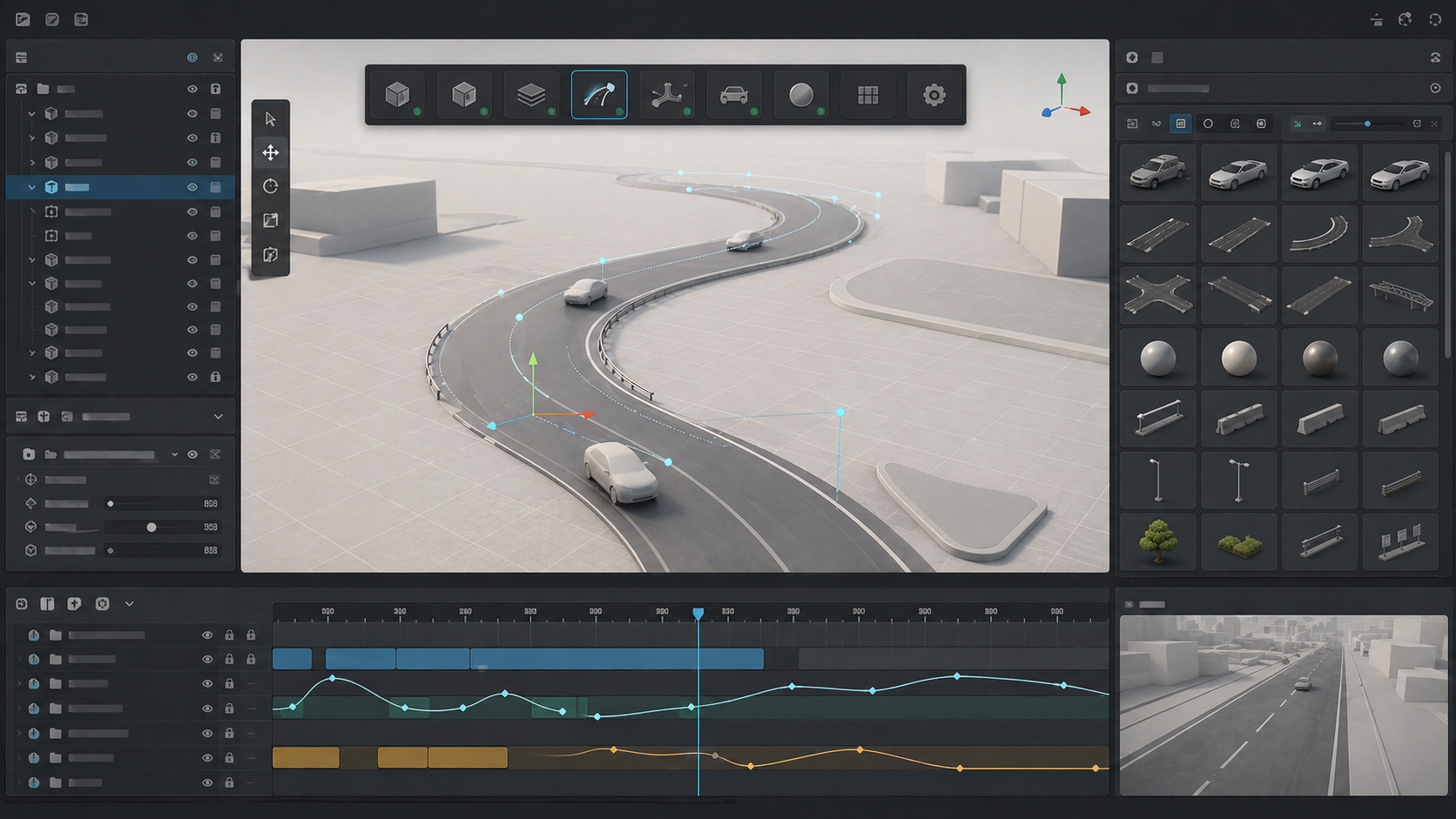
Conceptual image created for illustration only. It does not show proprietary client assets or the original project UI.
What did I do?
This was an ongoing refactor of a Unity-based design experience creation tool. The end goal was to support complex interactive design presentations, but the project had grown over time with many features and changing requirements.
My work was both architecture/refactoring and client delivery. The main goal was to make the system easier to extend, easier to maintain, and easier for users to build experiences with.
Because this project is not public, I wont directly connect it to any public project or client name. I would present it as a design experience tool for visualization and no-code interactive scene creation.
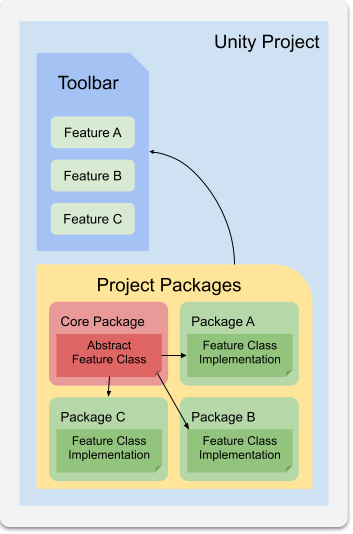
Making the UI extensible through packages
One of the systems I designed and implemented was a simpler way to add new features to the main UI bar depending on whether a package was installed.
For example, installing a vehicle-related package could automatically add the buttons needed to add and manage vehicles in the scene. The goal was to reduce hardcoded UI logic and make feature modules feel more self-contained.
This kind of structure is important when a tool grows. If every new feature requires manual edits across unrelated parts of the UI, the project becomes harder to maintain and easier to break.
Reusable UI Toolkit asset browser
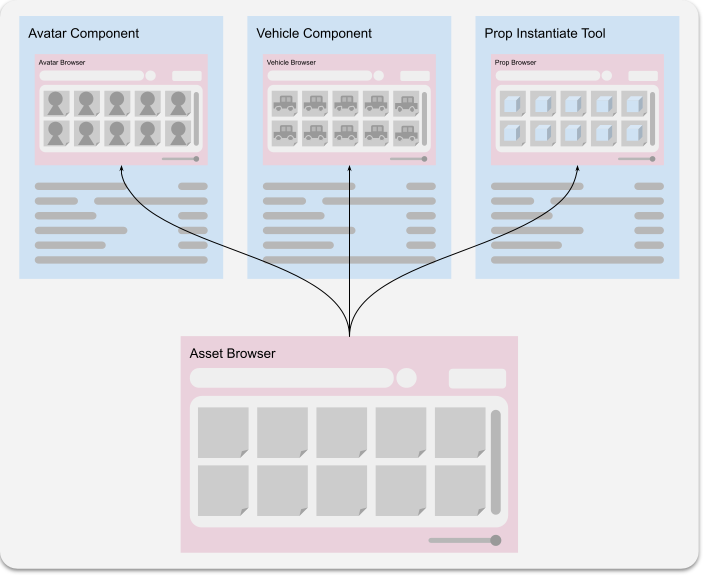
I also worked on a reusable UI Toolkit-based asset browser. The goal was to make an asset selection UI that could be reused inside different windows or inspectors.
The browser could find, filter, select, multi-select, and visualize files. It was useful for prefab or asset selectors that needed specific filtering without requiring end users to manually search through the full project.
For portfolio purposes, this is a good example of reusable internal tooling. It is not just a UI screen. It is a component that can support multiple tool workflows across the editor.
Spline tools and procedural road generation
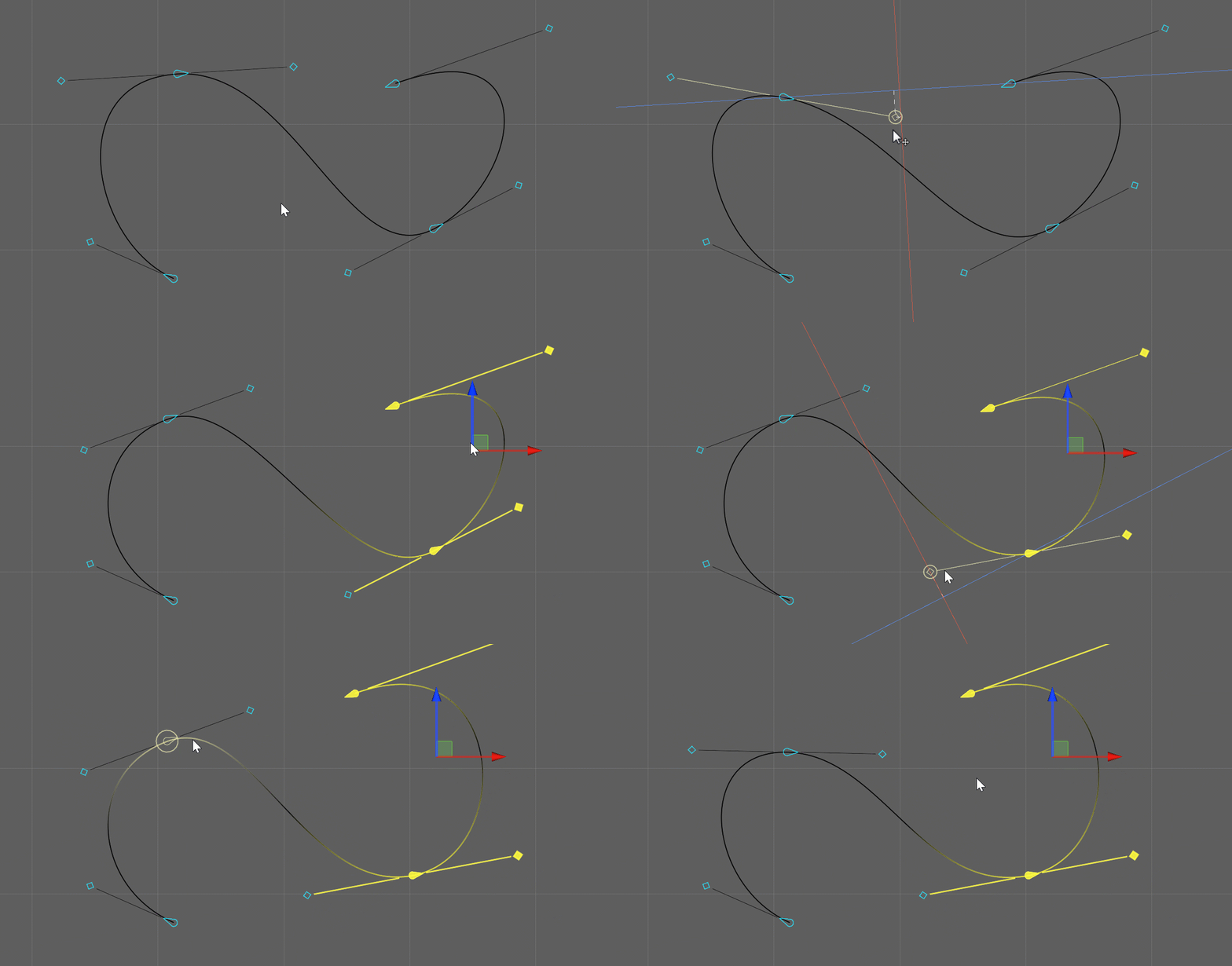
I worked on spline-based tools, including extending a spline instantiation tool to have a simpler UI/UX while keeping the necessary features available.
I also worked on a road generation system that allowed multiple road and intersection types to be procedurally created and customized. This included multiple lanes, custom decal placement, and automatic retargeting when the spline was edited.
Another related feature was a spline tool extension that allowed decals and assets to snap into splines and be placed along previously created paths.
Variant system improvements
I also implemented features for the Variant System, including Timeline track support and clip blending.
This helped connect visual or configuration variants to timeline-based presentation workflows. It made the system more useful for demos where changes needed to be sequenced, blended, or controlled over time instead of only toggled manually.
What this project shows
Modular UI architecture.
Package-driven feature registration.
Reusable UI Toolkit components.
Spline-based scene authoring.
procedural road generation
editor UX improvements
variant system extension
ongoing delivery inside a changing client project