
Smart City Digital Twin Consulting
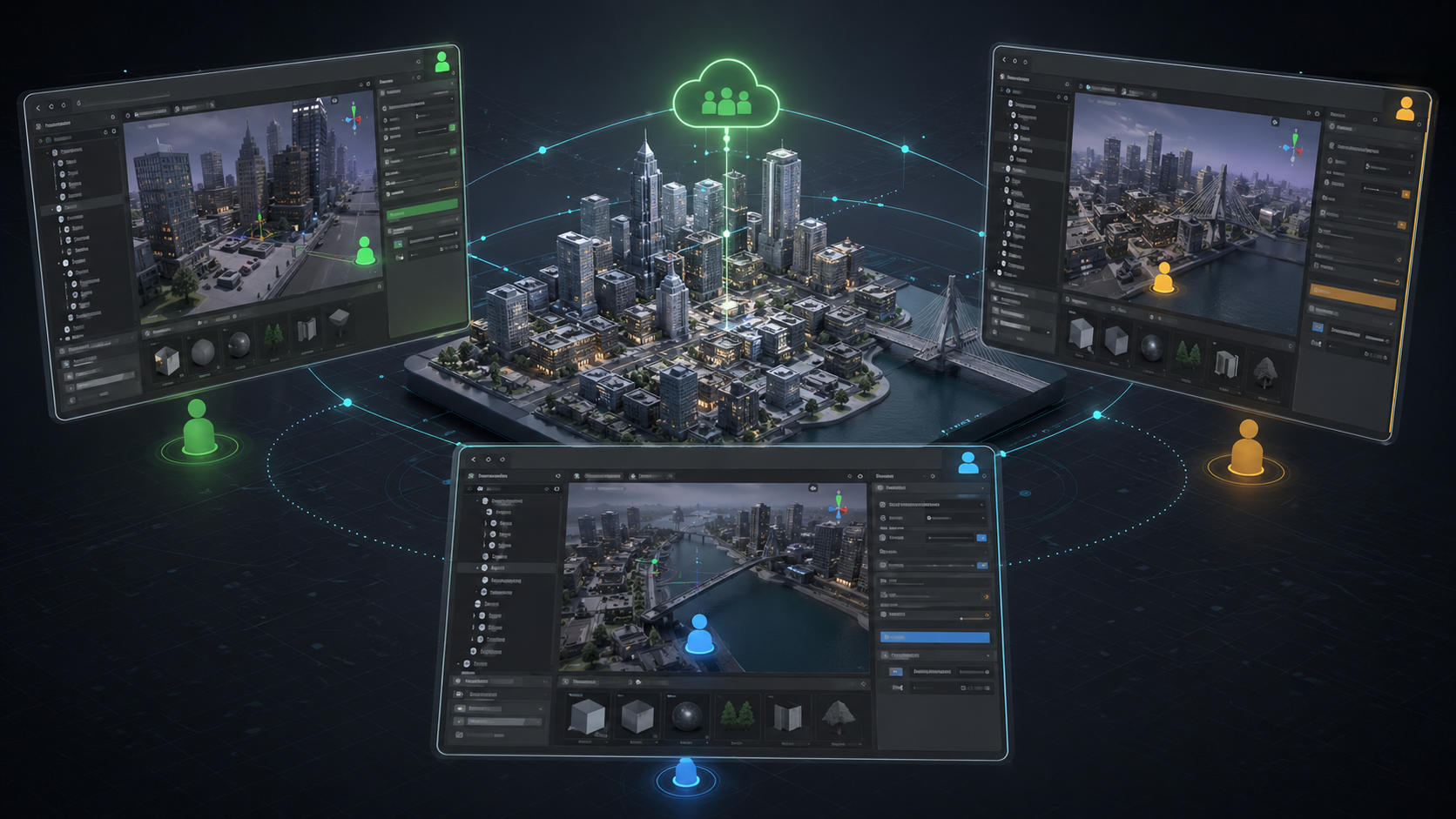
Illustrative image generated for portfolio purposes. Not a screenshot from the original project.
What did I do?
I worked as part of the Unity Professional Services team helping an internal smart city digital twin group with Unity development, tooling, and workflow problems. This was during the second half of 2020, and the resource allocated to this part of was basically my manager and me.
The client team was building interactive 3D prototypes and visualizations for a large smart city initiative. My role was to support their development tasks, answer Unity-related questions, and build tools that made the project easier to work with day to day.
A lot of the value in this project came from solving workflow problems. The project used a large asset library, and that made normal development slower than it needed to be. Engineers were spending too much time waiting for the Unity Asset Database, imports, model loading, and project refreshes when they only needed to work on code.
Separating engineering work from heavy content
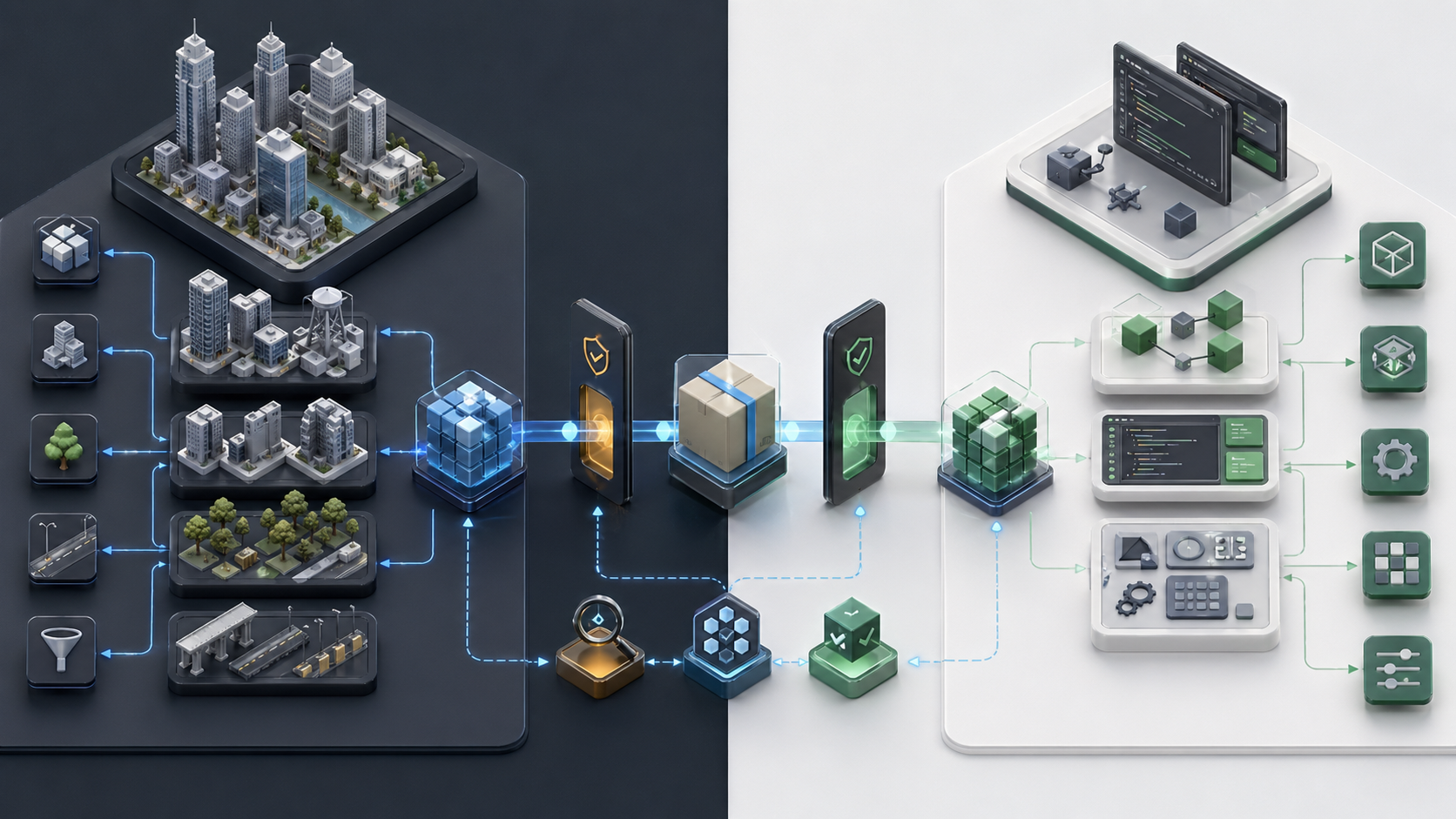
One of the main things I built was a two-project pipeline. The idea was simple: engineers should be able to work on coding tasks without needing to download and import the full design asset library every time.
That sounds obvious, but in Unity it becomes a real problem when a project grows around heavy 3D content. Even small code changes can become painful if every editor load, import, compile, or domain reload is sitting on top of a huge project structure.
The pipeline helped separate the engineering workflow from the full design-content workflow. It reduced repository size, lowered import time, and made it easier for developers to focus on code without constantly paying the cost of the complete asset database.
Illustrative image generated for portfolio purposes.
Plastic SCM package management inside Unity
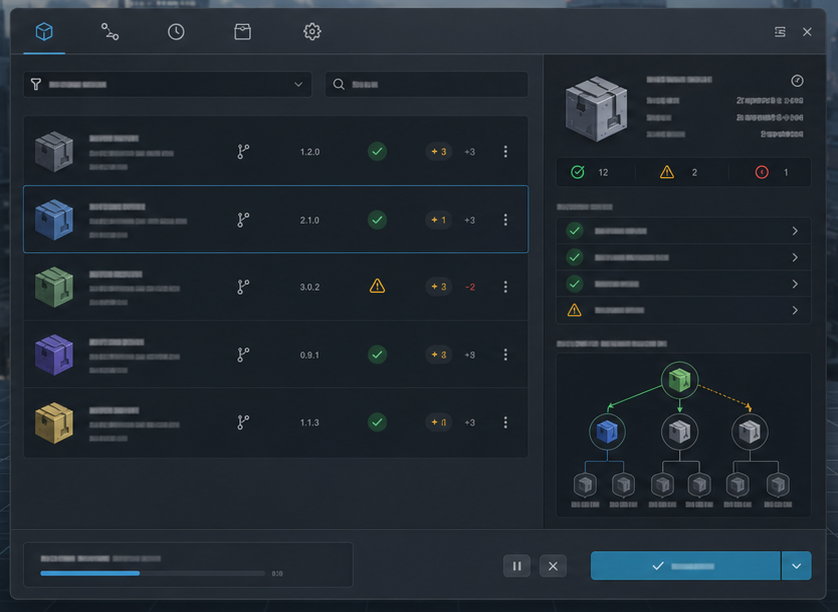
I also built a Plastic SCM-based package management window inside the Unity Editor. The goal was to give the team a safer way to handle version-controlled package operations without leaving the editor.
Illustrative image generated for portfolio purposes.
The tool exposed version control operations and validation steps in a more controlled interface. In concept, it was similar to what the Unity Package Manager does for Unity packages, but adapted to repositories managed through Plastic SCM.
For me, this was an important tooling problem: the editor is often where technical and non-technical workflows meet. When version control or package handling is too manual, mistakes become more likely. A dedicated editor window helped keep those operations closer to the context where the work was happening.
Remote collaboration inside the Unity Editor
Another area I worked on was real-time collaboration inside the Unity Editor using Photon. The idea was to allow team members to collaborate remotely while building and designing 3D scenes in Unity.
In a time where remote colaboration was blooming, it was interesting trying to make the Unity Editor scene work more collaboratively.
The prototype focused on letting team members share scene-building context and interact with the same kind of 3D authoring space while working remotely. It was a practical experiment in extending Unity beyond runtime applications and into collaborative production tooling.The tool exposed version control operations and validation steps in a more controlled interface.